Sign in with Microsoft or Google, and unsubscribe links everywhere
Email Pro mailboxes can sign in with Microsoft 365, Outlook.com or Gmail; survey and onboarding emails carry unsubscribe links; and a round of fixes.
Sign in to your mailbox with Microsoft or Google
Email Pro can now connect a Microsoft 365, Outlook.com or Gmail mailbox by signing in with the provider - no app password needed. You register your own app with Microsoft or Google (the mailbox settings walk you through it, step by step, with this site's address ready to copy), then click Sign in. If a sign-in ever expires, the mailbox is marked Needs reconnecting and you are told once, rather than it failing quietly.
Unsubscribe links on every outreach email
Survey invitations and reminders, and Onboard invitations and reminders, now carry an unsubscribe link and the headers mail apps use for their own Unsubscribe button. One list covers Campaigns, Surveys and Onboard: someone who opts out of one hears from none. Onboard also checks that list before inviting anyone - a person who opted out is never emailed, and you are given their link to pass on yourself.
Fixes
- Shop refunds: the refund dialog lets you choose the amount, give a reason and restock, and you can refund the rest later.
- Invoices: an invoice credited for more than was paid now says how much the customer is in credit.
- Feedback and Support: reports and requests deleted on our side are cleared from your site too.
- Dark themes: dialogs no longer show a white bar along the bottom.
Keep reading
Every Pro Tool price, on the Pricing page
The Pricing page now lists every Pro Tool and its monthly price, read live from the page you buy on.

Cards and Cards Pro are now one Tool
Cards and Cards Pro are now one Tool, Cards Pro, with card credits built in and switched on when you want them.
Part refunds, take-away backups and more
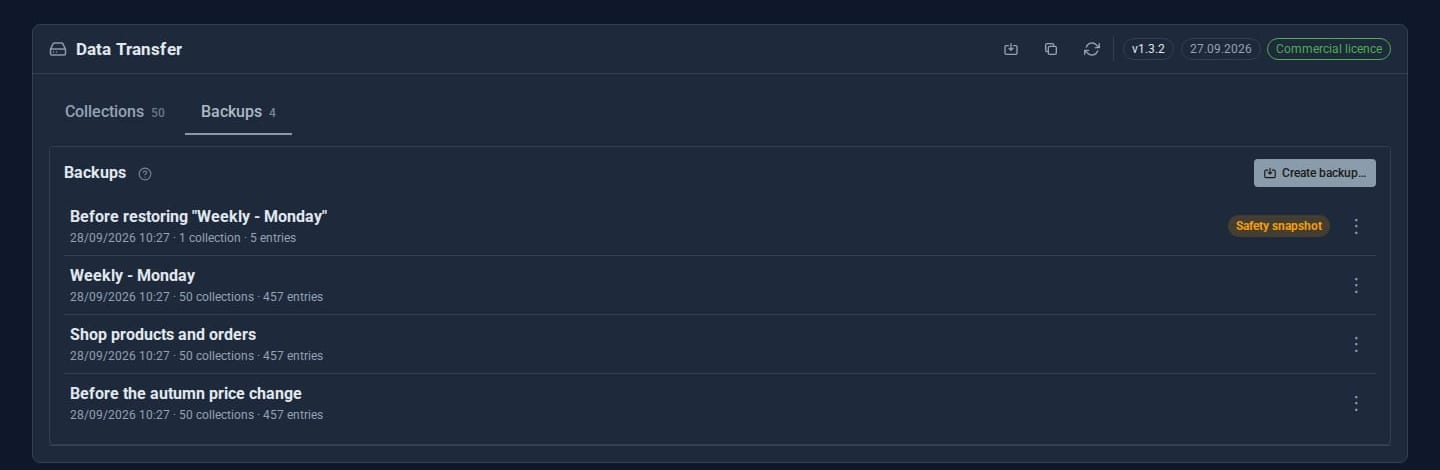
Part refunds, credit notes, downloadable and scheduled backups, attachments on feedback and support, RSVP confirmations, signing reminders and faster Tools across the board.