Send a proper invoice in minutes, and know who still owes you.
Invoices is an invoice generator for sole traders and small businesses: your business details and bank details, customers from Contacts, line items with or without VAT, automatic numbering, payments and balances, and a print-ready invoice you can download as a PDF or email straight from the admin.
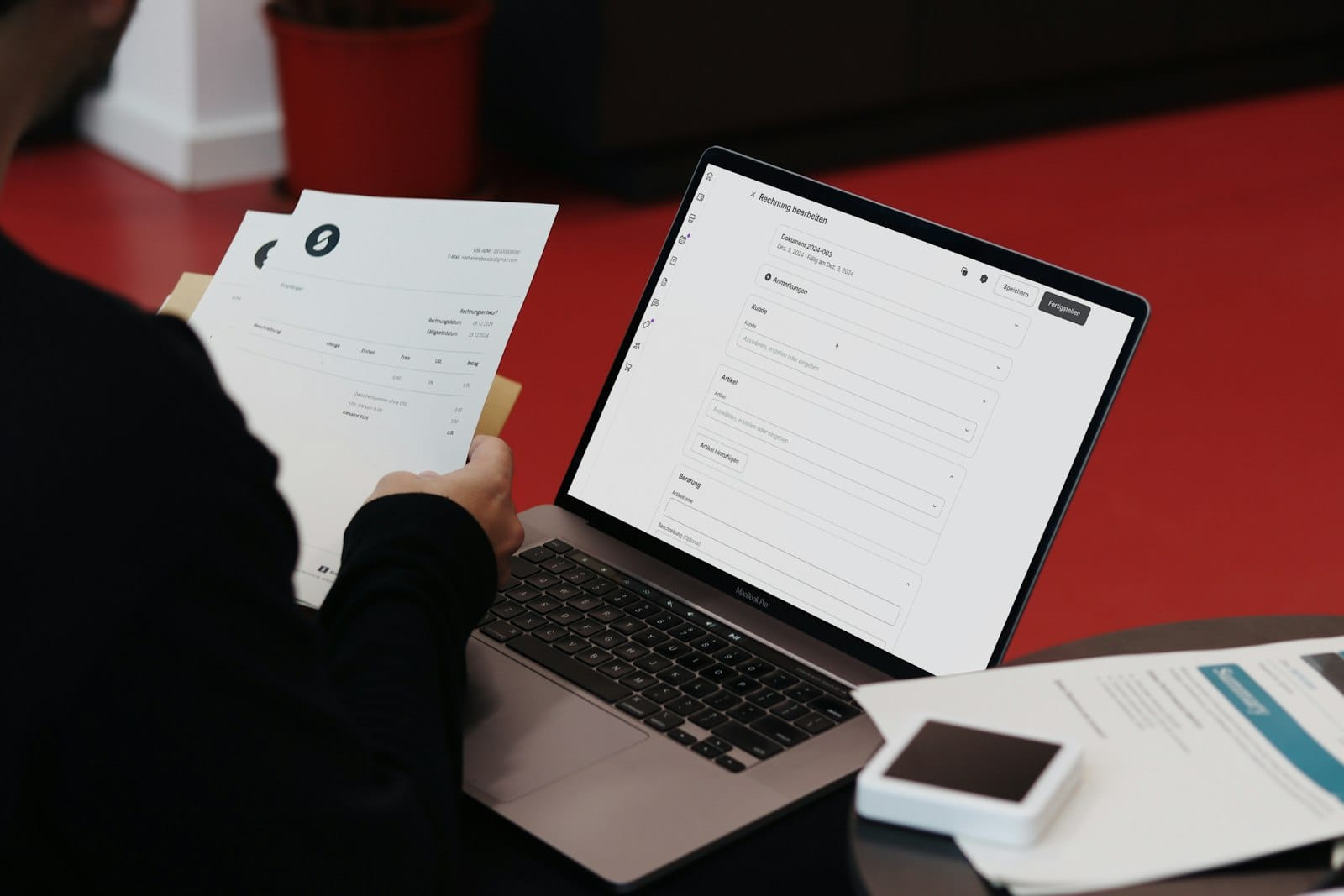
What Invoices does for you
Looks the part
Three A4 designs - Classic, Modern and Minimal - with your logo, or your own template.
Email with the PDF
Send from the admin with a covering note; the PDF is attached and the invoice marked as sent.
Payments and balances
Record part payments by bank transfer, card, cash and more. Paid is set for you when the balance clears.
Overdue at a glance
The sidebar badge turns red when anything is overdue, with a notice each morning.
Customers from Contacts
Bring a customer in from Contacts with their billing address already filled.
Quotes clients accept online
Email a quote with a valid-until date. The client accepts by typing their name, no sign-in, and one click turns it into an invoice.
Self-billing
Raise invoices on a supplier's behalf under a self-billing agreement, numbered on their own and printed marked SELF-BILLING.
Year-end ready
Export to CSV or Excel for your accountant, or print a batch of PDFs.
A look inside
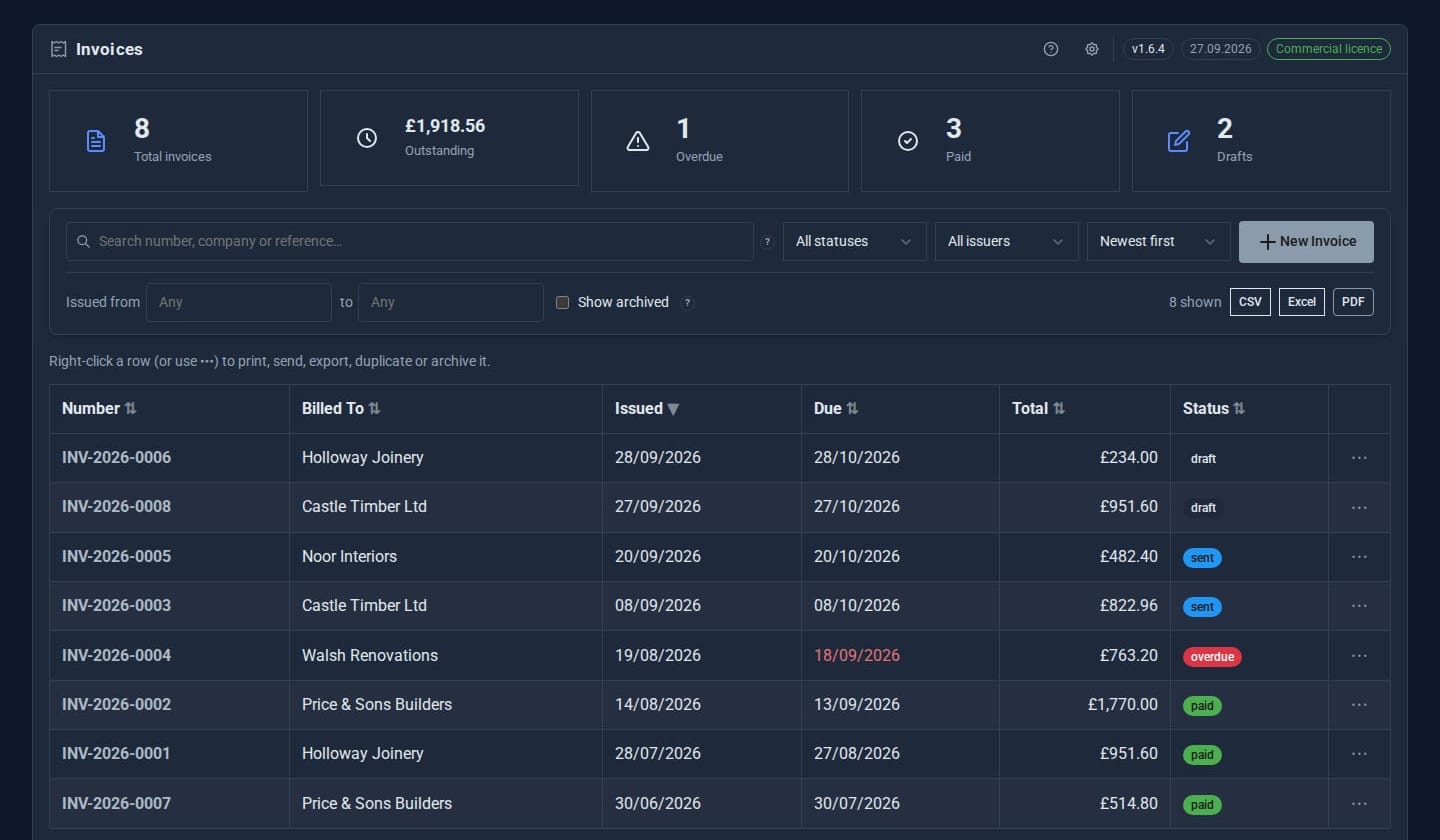
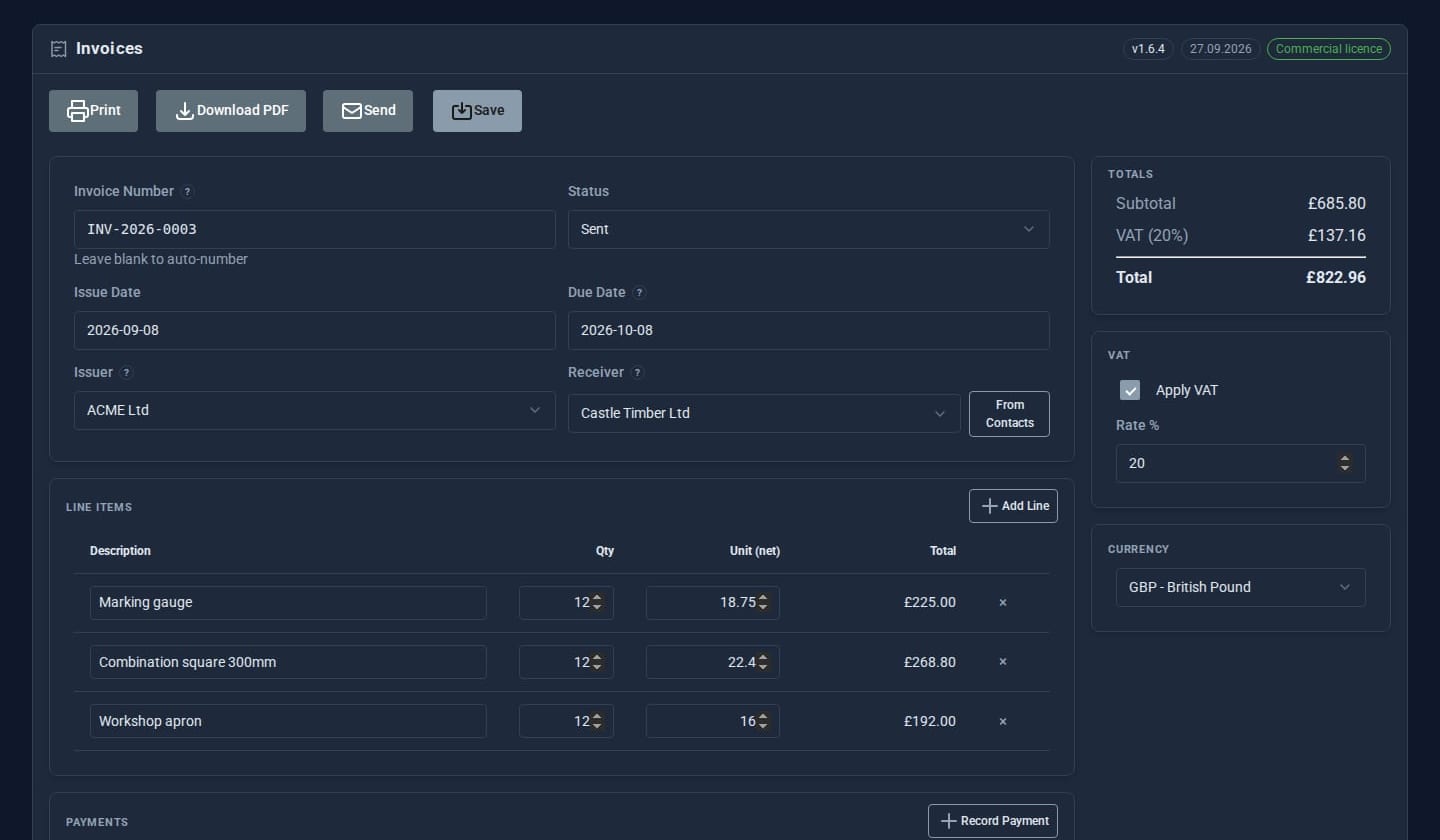
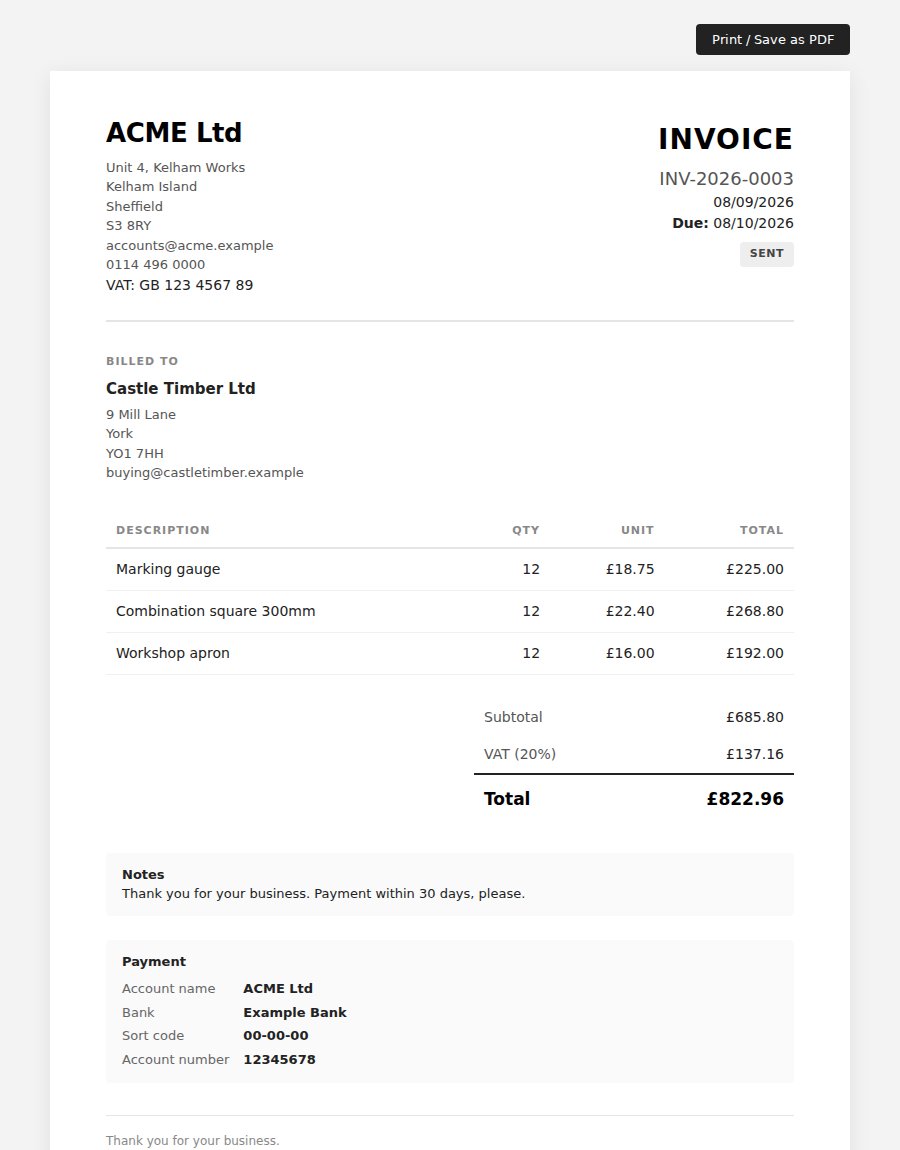
Screens from our ACME Ltd demo site. Every name in them is made up.
See it in 5 minutes
- Open Invoices, click the cog and add your business under Issuers - address, VAT number, logo and bank details.
- Add a customer under Receivers, or import one from Contacts.
- Choose New invoice, add a couple of line items and switch VAT on.
- Open Print / preview to see it on A4, then Send by email.
- When the money arrives, Record payment - the invoice is marked paid.
Works with the rest of your site
Contacts
Import customers and pick email recipients from your address book.
Email settings
Invoices are sent through your site's own mail settings.
Good to know
Admins only. Numbers run PREFIX-YEAR-0001 and start again each year; you can still type your own.
What it needs
Email settings on your site to send invoices. PDF download needs Chrome or Chromium on the server; without it you can still print or email the invoice.
Questions
Yes - VAT on or off per invoice, with your default rate. It works without VAT too, for businesses that are not registered.
Pounds, euros and US dollars. Each invoice has its own currency, and amounts owed are totalled per currency.
Yes. A quote has its own number and a valid-until date. The client accepts or declines from the email, and an accepted quote becomes a draft invoice in one click.
Goes well with
Add Invoices to your site
Invoices is a Pro Tool. Tell us about your site and we will set it up with you.