Domma CMS 0.102 to 0.116: what changed
Video calls on your own site, the free Booking Tool, Calculator and Support, a resizable sidebar, illustrated celebrations and one-step sample content removal - the highlights of a busy week.
Domma CMS went from 0.102 to 0.116 in a week. The full list is on What's New and in the changelog; this is the part most site owners will notice.
Video calls on your own site (0.103 to 0.108)
Domma CMS can now hold a video call itself - camera, microphone, screen sharing, chat and a waiting room the host lets people in from. It runs in the browser, on your site. There is nothing to install and no outside service, and up to six people can join.
- Online meetings in Calendar, calls in a conversation in Messages, and online appointments with Booking Pro.
- "Call Sam now…" (0.105) on a contact's menu or an email's menu starts a call with that one person straight away, with a Pro Tool that has calls.
- Add people (0.107) to a call that is under way - each person gets their own Join link.
- The chat is kept with the call (0.106), so people who join late see what was said.
- Blur your background (0.108). The picture never leaves your browser to do it.
- A redesigned call screen with labelled buttons, and reloading the page keeps you in the call.
New Tools
- Booking (0.103, free). People book appointments with you or your team, or rooms and equipment, from a booking page or the
[booking /]shortcode. Opening hours, days off, buffers and notice; confirmation and reminder emails with a link to move or cancel; a Diary in the admin. Book straight from a contact or an email. - Calculator (0.110). Basic and Scientific, on its own page or in a floating panel that stays open while you move around the admin, with history and memory keys.
- Support (0.114, free and on every site). The Domma team's contact card is always on screen, and Ask for help opens a conversation with us - replies arrive in the admin and by email.
The admin
- Tools start in groups in the sidebar (0.103): Productivity, Communication, Marketing, Publishing, Business and Maintenance. Anything you have arranged stays where you put it.
- The sidebar can be resized and collapsed (0.109). Drag its edge, or use the keyboard.
- Every Tool's badge shows a count (0.112), even when nothing needs attention - tasks done, today's page views, bookings this week.
- Remove sample content in one step (0.115). Delete a project and everything filed under it - pages, collections, forms, menus and more. It refuses, with nothing touched, while a person or role is filed under the project.
- Every site has a browser-tab icon (0.115): your favicon, your logo, or else the first letter of the site's name.
Pages
- Cards and boxes can span columns in a grid (0.102):
[card span="2"], orspan="full"for the whole row. - Embedded videos play again (0.114.1), and timelines with icons and countdowns work as documented.
Celebrations
Christmas, Halloween, Valentine's Day and the rest have been redrawn in an illustrated style - fir trees with lights, robins, a sleigh, carved pumpkins, drifting ghosts, butterflies with veined wings. [christmas snow-only="true" /] gives just the snow, and each decoration can be switched off by name. [celebrate character="…"] (0.116) puts one character on a page at any time of year - an elf, a leprechaun, a knight, a dragon, Cupid and more. The page editor's right-click menu has a Celebrations submenu for all of it.
Emails can carry inline pictures and a Reply-To (0.111), and a sender's name can no longer change the sender's address. Email has a mark-as-read delay you can set (0.109), and mail connection tests explain their errors in plain English (0.116.2).
Updating
npx domma-cms@latest update brings a site up to date in place. It backs up first and keeps your content, settings and Tools. Sites we host are already up to date.
Keep reading

Domma CMS 0.90 to 0.101: what changed
SEO built in, boxes that follow the theme, forms that greet visitors by name, dates in dd/mm/yyyy, loading placeholders and a sidebar you can rearrange - the highlights of a busy run of releases.
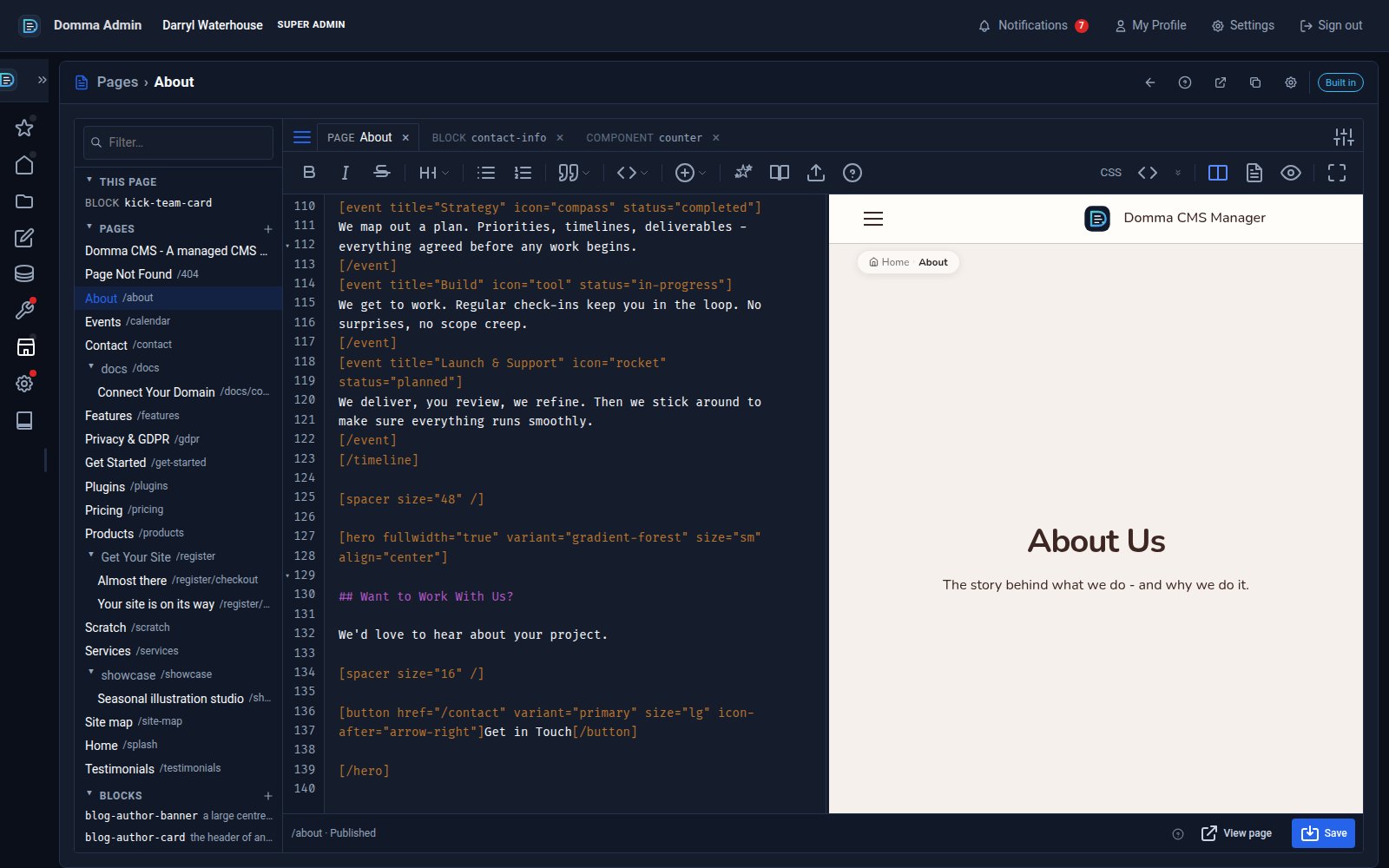
One editor for pages, blocks and components - with colour and smooth typing
Domma CMS 1.8.24 turns the page editor into a workspace: pages, blocks and components as tabs, a live preview three ways, coloured text in your own font, and a caret that glides as you type.
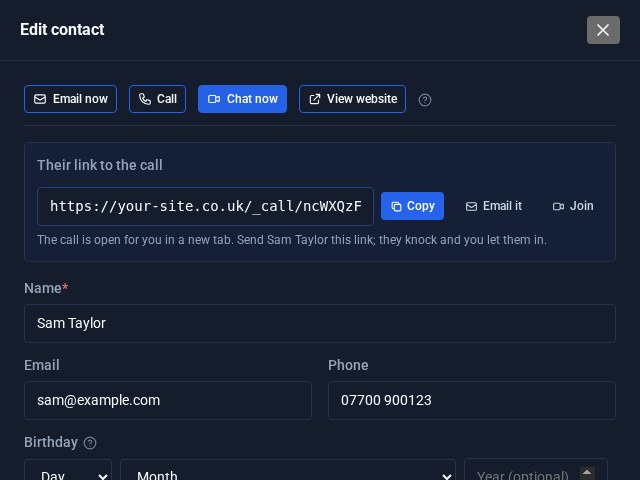
Contacts Pro: email, call or video chat in one click
Open a contact in Contacts Pro and the buttons are waiting at the top: Email now, Call, Chat now and View website. Chat now starts a video call on your own site and hands you the link to send.