From a local Domma CMS site to production
A new tutorial takes your Domma CMS site onto a Linux server with PM2, HTTPS, backups and a safe update routine. Here is what changes when you go live.
Getting Domma CMS running locally is quick: one command, a setup wizard, and a site you can edit. Taking it into production adds a few responsibilities. The application needs to stay running, visitors need HTTPS, and somebody needs to notice when something goes wrong.
Our new tutorial, Run Domma CMS in production with PM2, walks through a practical setup on a Linux server.
Give the process a home
A site started in your terminal is useful while you build. In production, a process manager gives it a predictable working directory, restarts it after a crash and brings it back after a server reboot.
The guide uses PM2 with a small configuration file. It also asks you to test the reboot. Knowing that a command ran successfully is less useful than seeing your site come back afterwards.
Domma CMS starts with file storage, so the example uses one process. More processes introduce shared-write questions; they are not a switch to flip just because a server has spare CPU cores.
Put HTTPS in front
The CMS listens on the server's local address. A reverse proxy handles the public domain and secure connection, then passes requests to it.
We use Caddy in the walkthrough for its HTTPS support and compact configuration. If your server already uses Apache or Nginx, you can use that instead. The important settings are the public domain, the internal app port and the CMS's trusted-proxy configuration.
Once the address works, set it in Site Settings and test email, uploads, sign-in and forms through the public site. Those are the things a business will depend on.
Make recovery part of the setup
PM2 can restart a process. It cannot recover a lost disk, restore deleted pages or undo an accidental data change.
The tutorial includes a manual snapshot of a file-backed site, explains when a separate database backup is needed, and asks you to store a protected copy away from the server. A restore rehearsal is how you find out whether the backup includes everything you need.
It also separates the updater's backup from a complete site backup. Updates are easier to approach when you know how to return to a working copy.
Decide who will look after it
Self-hosting gives you control over the server and its data. It also puts server maintenance, backups, monitoring and recovery in your hands. The CMS is free; the server and the time spent running it still have a cost.
If that suits you, follow the production tutorial. You will finish with a secure public address, a process that survives a reboot, and a routine for future updates.
If you would rather focus on the site, managed hosting runs the same Domma CMS with the server, updates and backups handled for you. DCBW Consulting Ltd is based in the UK, and our managed sites are hosted in London.
Keep reading
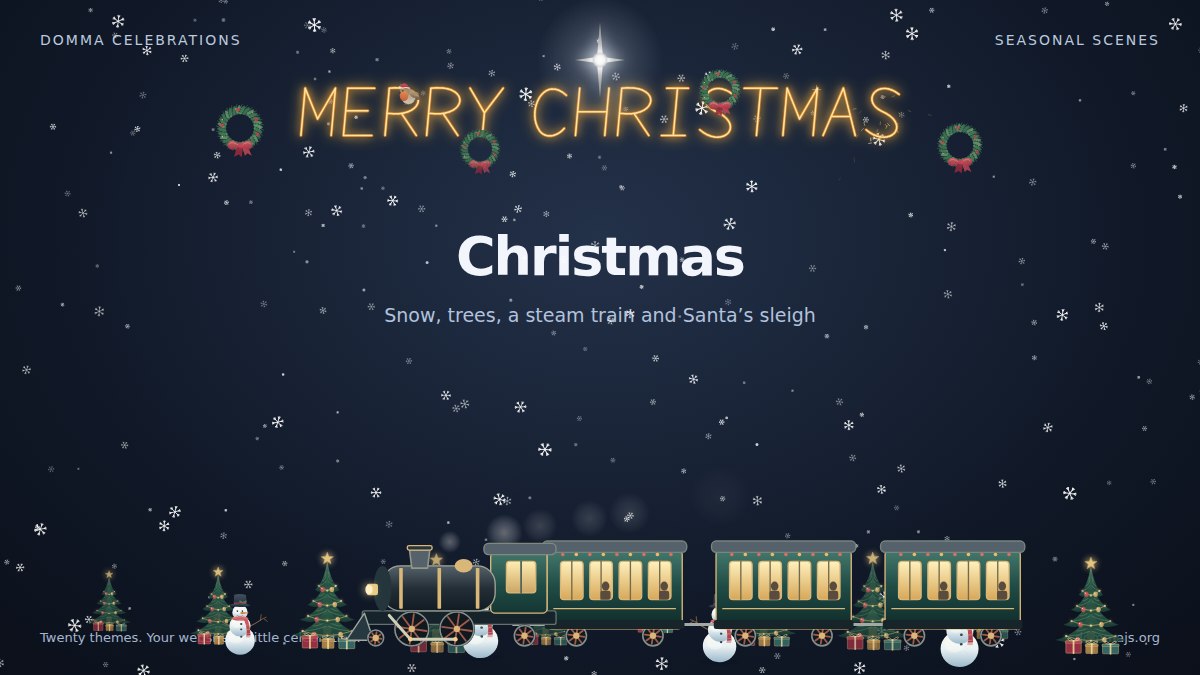
Meet Domma Celebrations: twenty ways to bring your website to life
Take a visual tour of all twenty Domma Celebrations themes, from Christmas and Halloween to summer gardens and personal sparkler greetings, with screenshots and a quick setup guide.

Leaving WordPress? Plan the move before you start
A WordPress move is more than an export. Inventory your content, plugins, URLs and forms first, then decide what to move, rebuild and test.
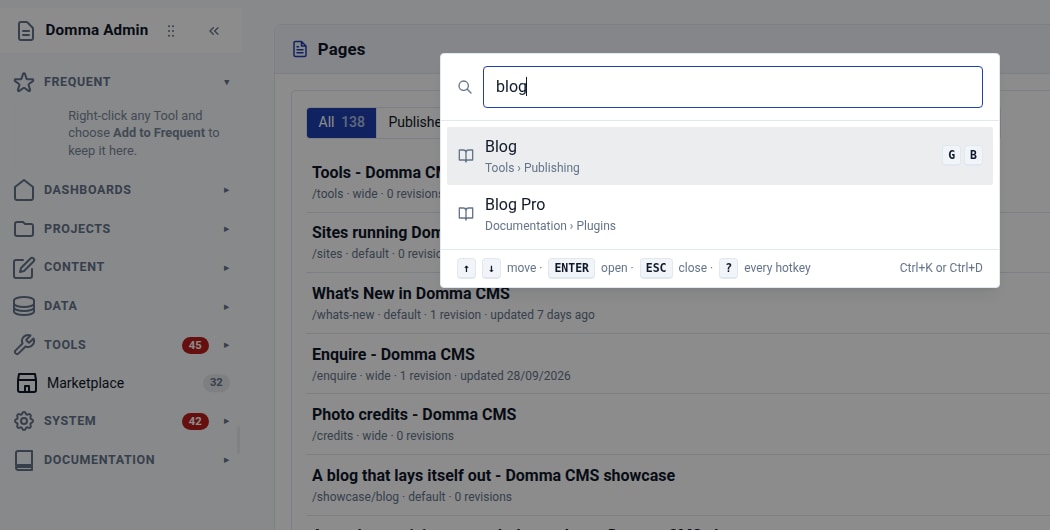
Find your way around: Ctrl+K and favourite Tools
Find any admin Tool with Ctrl+K, then keep your favourites at the top of the sidebar. Two small habits that make a busy Domma CMS admin easier to use.