#admin
How-to
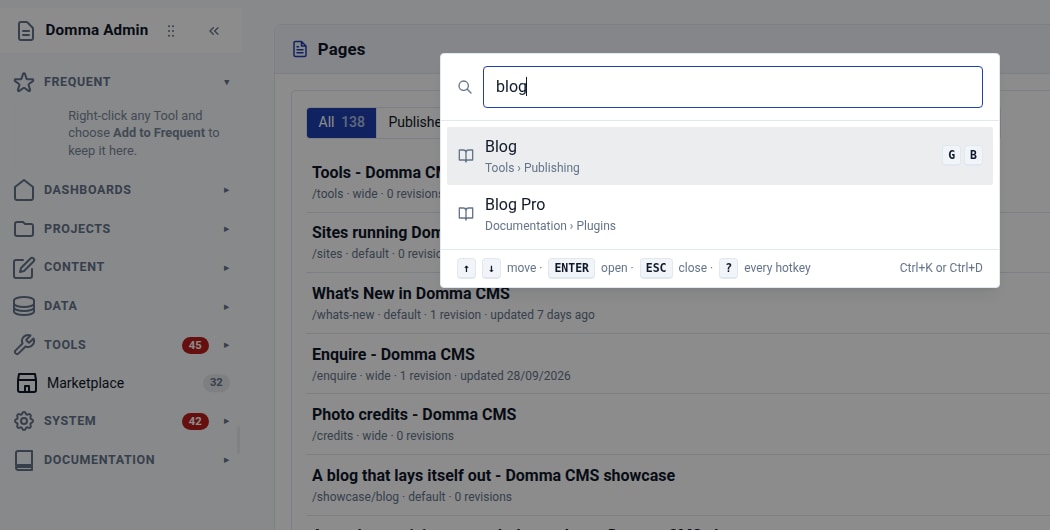
Find your way around: Ctrl+K and favourite Tools
Find any admin Tool with Ctrl+K, then keep your favourites at the top of the sidebar. Two small habits that make a busy Domma CMS admin easier to use.
Releases
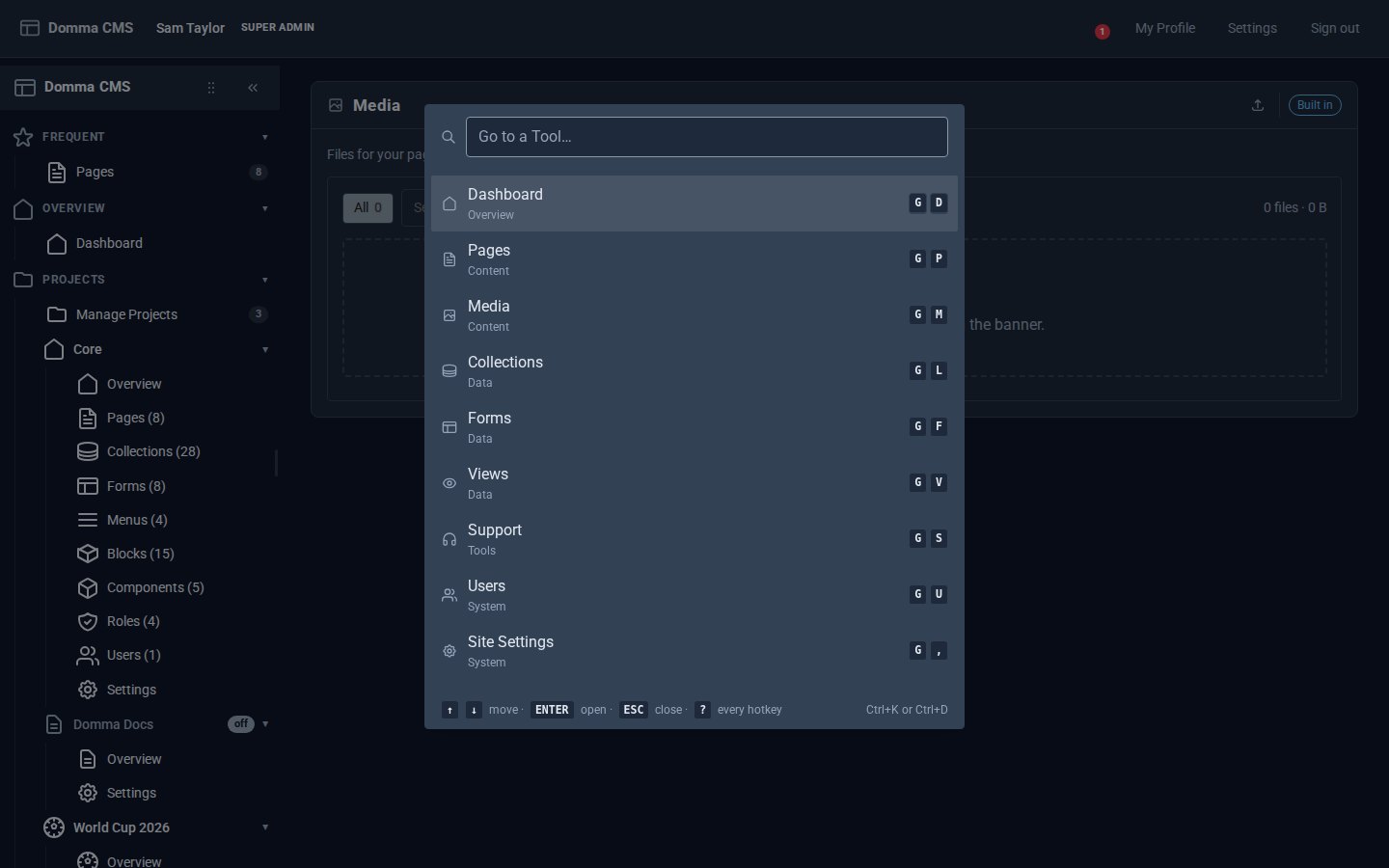
Every Tool, a keystroke away
Domma CMS 1.6: press G then a letter to open any Tool, G then 1-9 for your Frequent ones, Ctrl+K to find anything by name, and ? for the list.
Releases
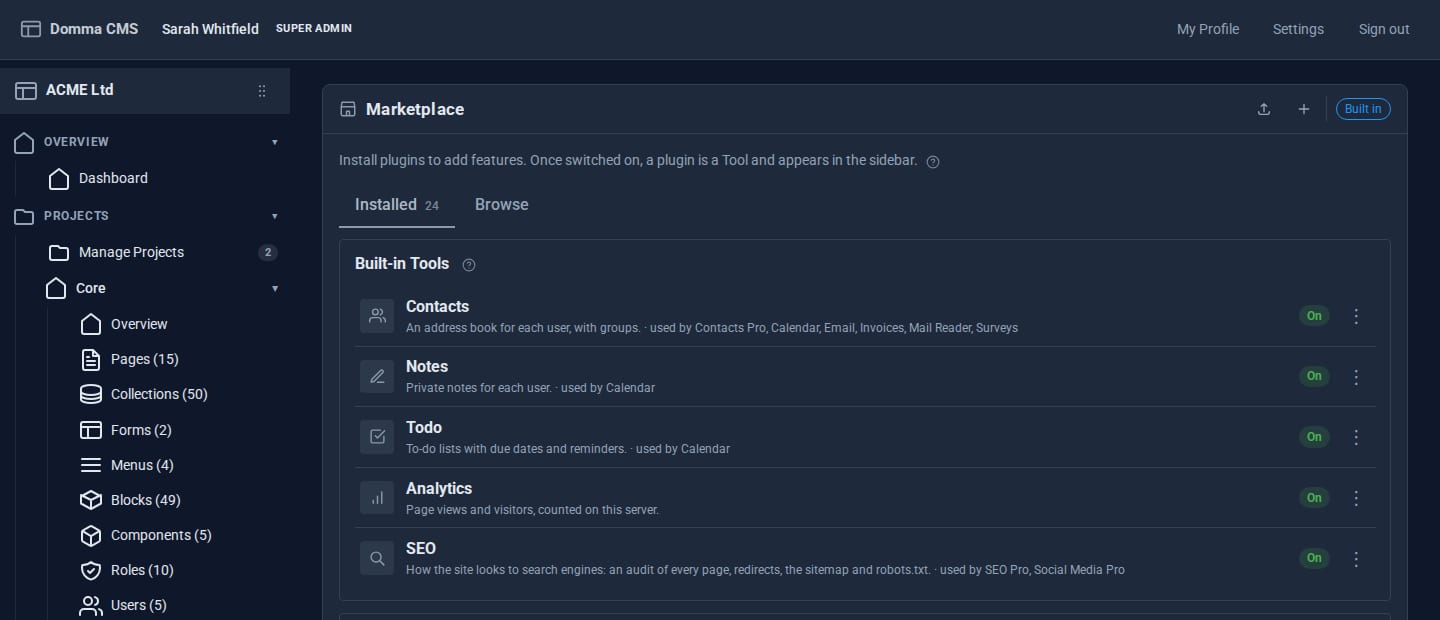
Tools that switch off safely
Since 0.88, the built-in Tools can be switched off - but only through a plan that shows you everything the switch would affect, and never in a way that breaks something else.
No posts here yet.