Author · 41 posts
Darryl Waterhouse
Builds Domma CMS
Releases
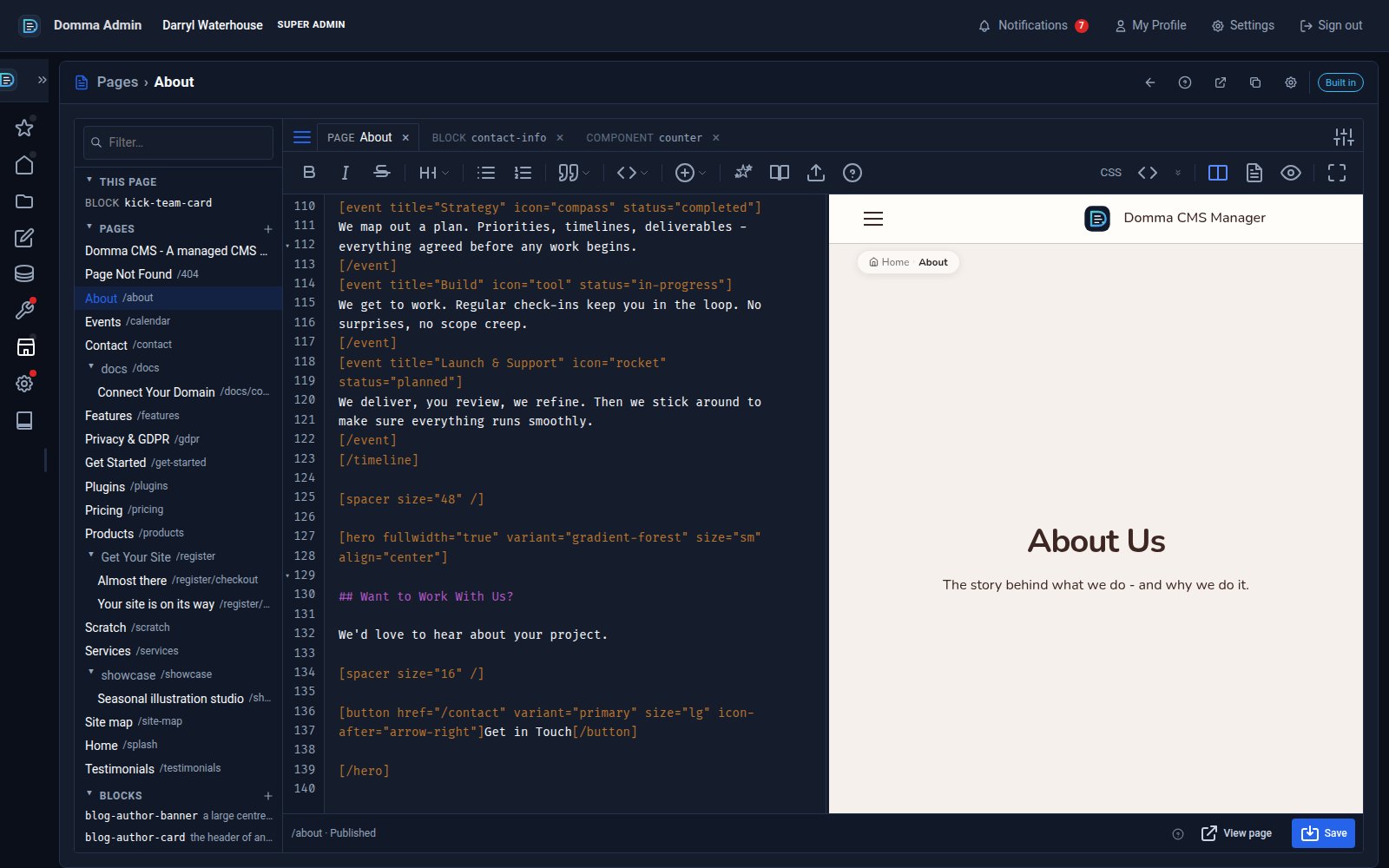
One editor for pages, blocks and components - with colour and smooth typing
Domma CMS 1.8.24 turns the page editor into a workspace: pages, blocks and components as tabs, a live preview three ways, coloured text in your own font, and a caret that glides as you type.
Releases
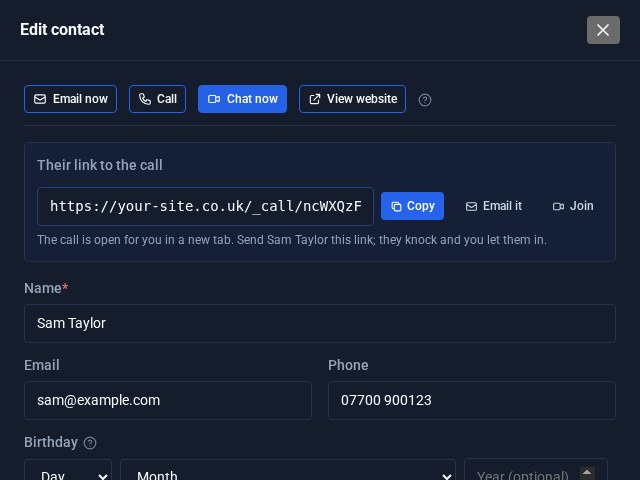
Contacts Pro: email, call or video chat in one click
Open a contact in Contacts Pro and the buttons are waiting at the top: Email now, Call, Chat now and View website. Chat now starts a video call on your own site and hands you the link to send.
Releases
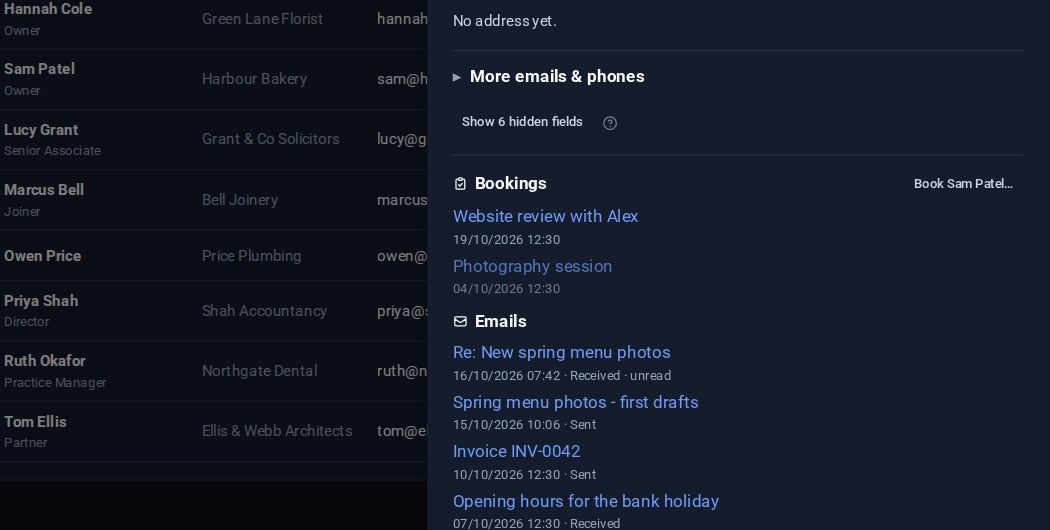
Contacts: your emails on the card, and the fields you choose
Your emails with a contact now show on their card, a click from the message itself. And Contacts Pro lets you choose which fields are columns in the list and which appear in the editor.

How-to
Leaving WordPress? Plan the move before you start
A WordPress move is more than an export. Inventory your content, plugins, URLs and forms first, then decide what to move, rebuild and test.
How-to
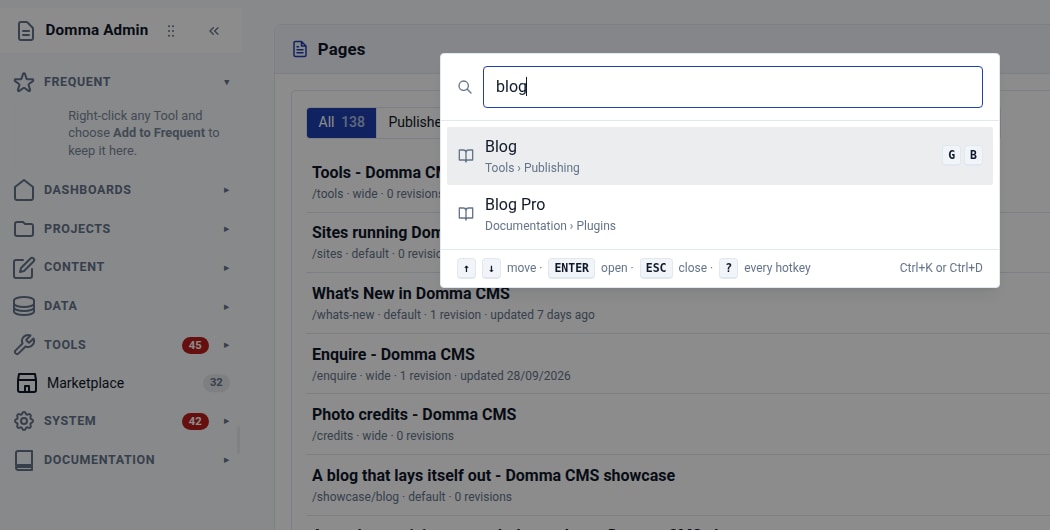
Find your way around: Ctrl+K and favourite Tools
Find any admin Tool with Ctrl+K, then keep your favourites at the top of the sidebar. Two small habits that make a busy Domma CMS admin easier to use.
Releases
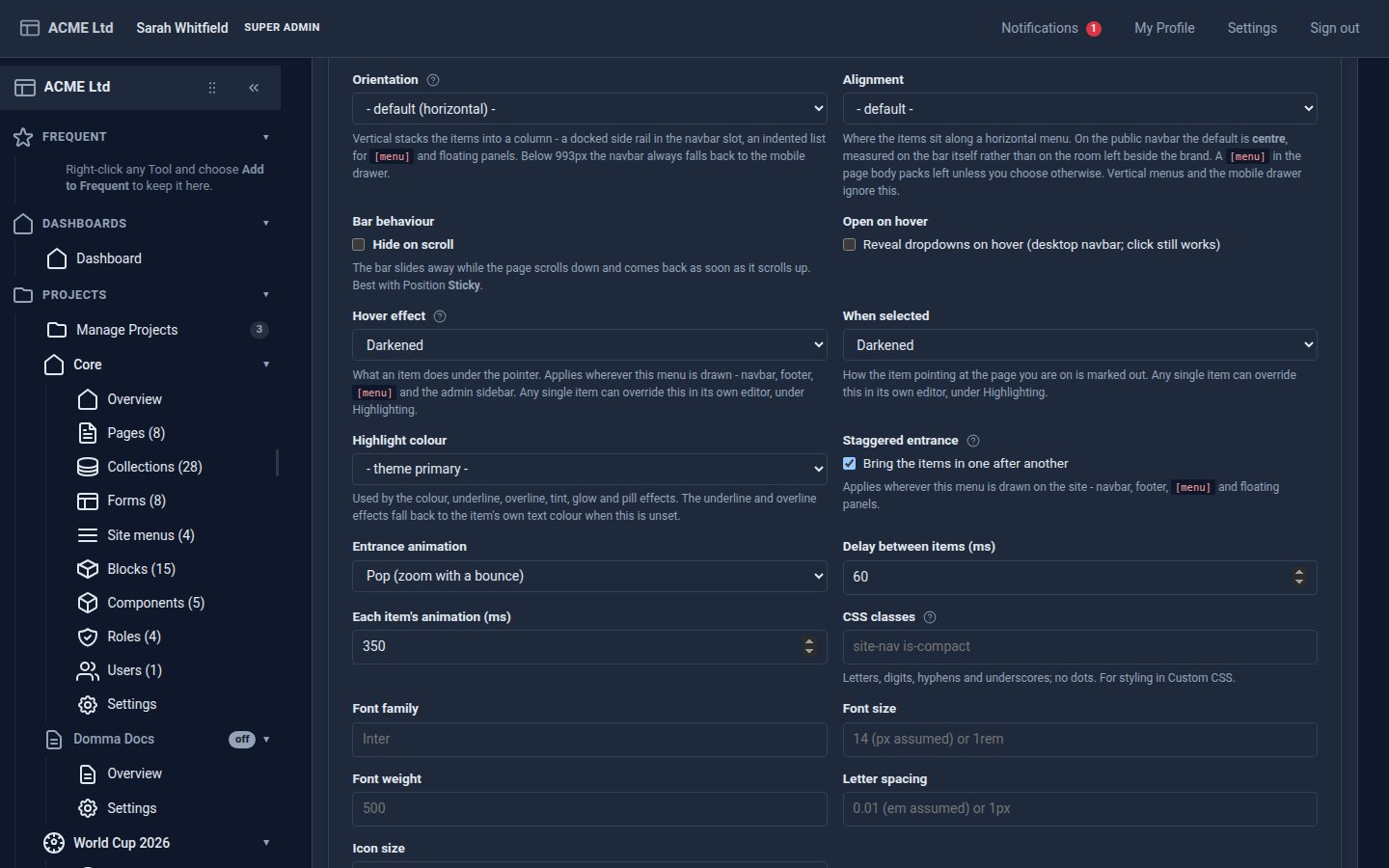
Menus that stagger in, and carousels that line up
Staggered menu entrances, carousel images that share a height, cards that match, and a prompt to reload after an update.
Releases
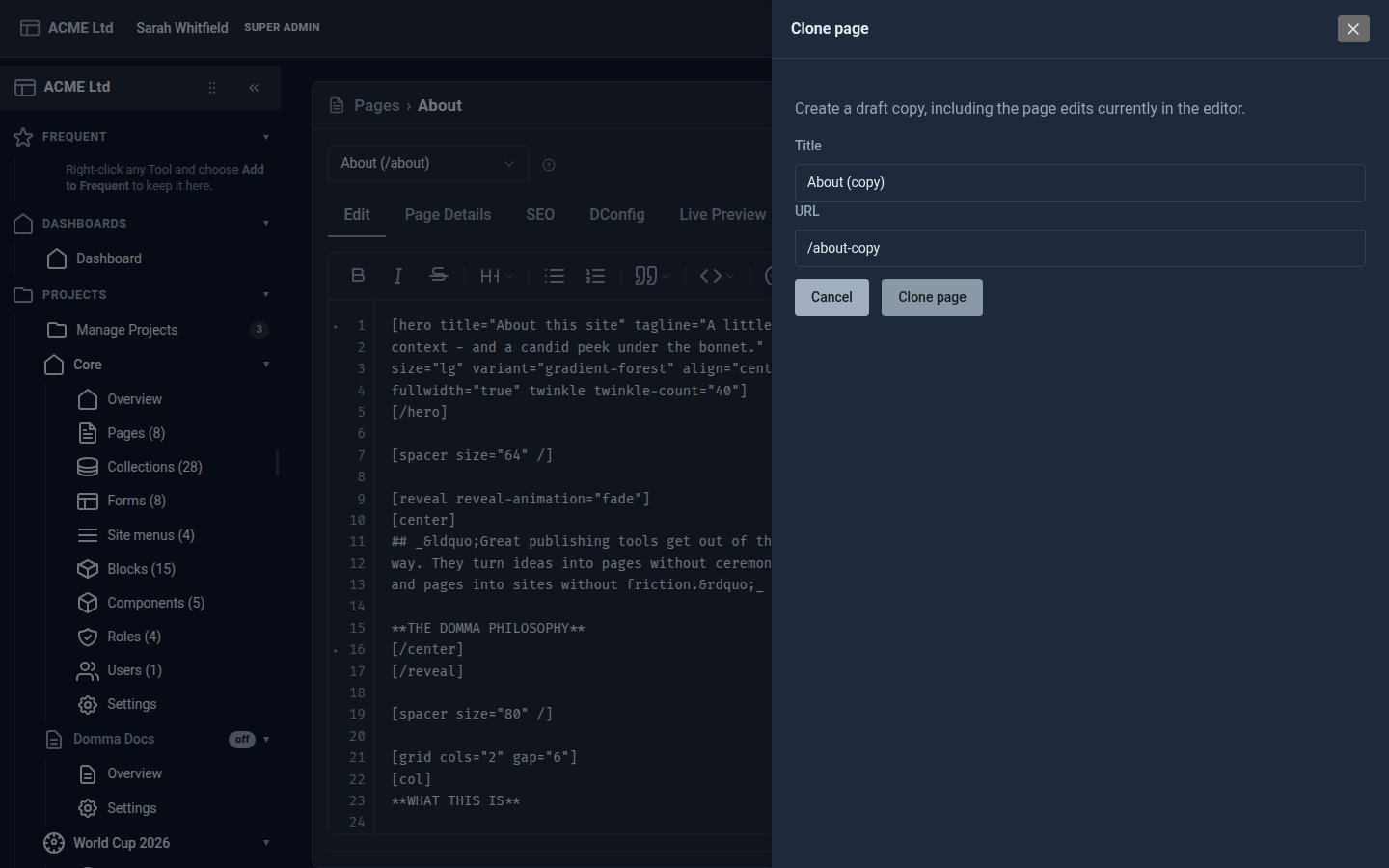
Clone pages, leave yourself notes, and let content expire
A week of page-editor improvements: clone a page, hidden notes with Ctrl+/, a Review status, images from Media, and shortcodes that expire.
How-to
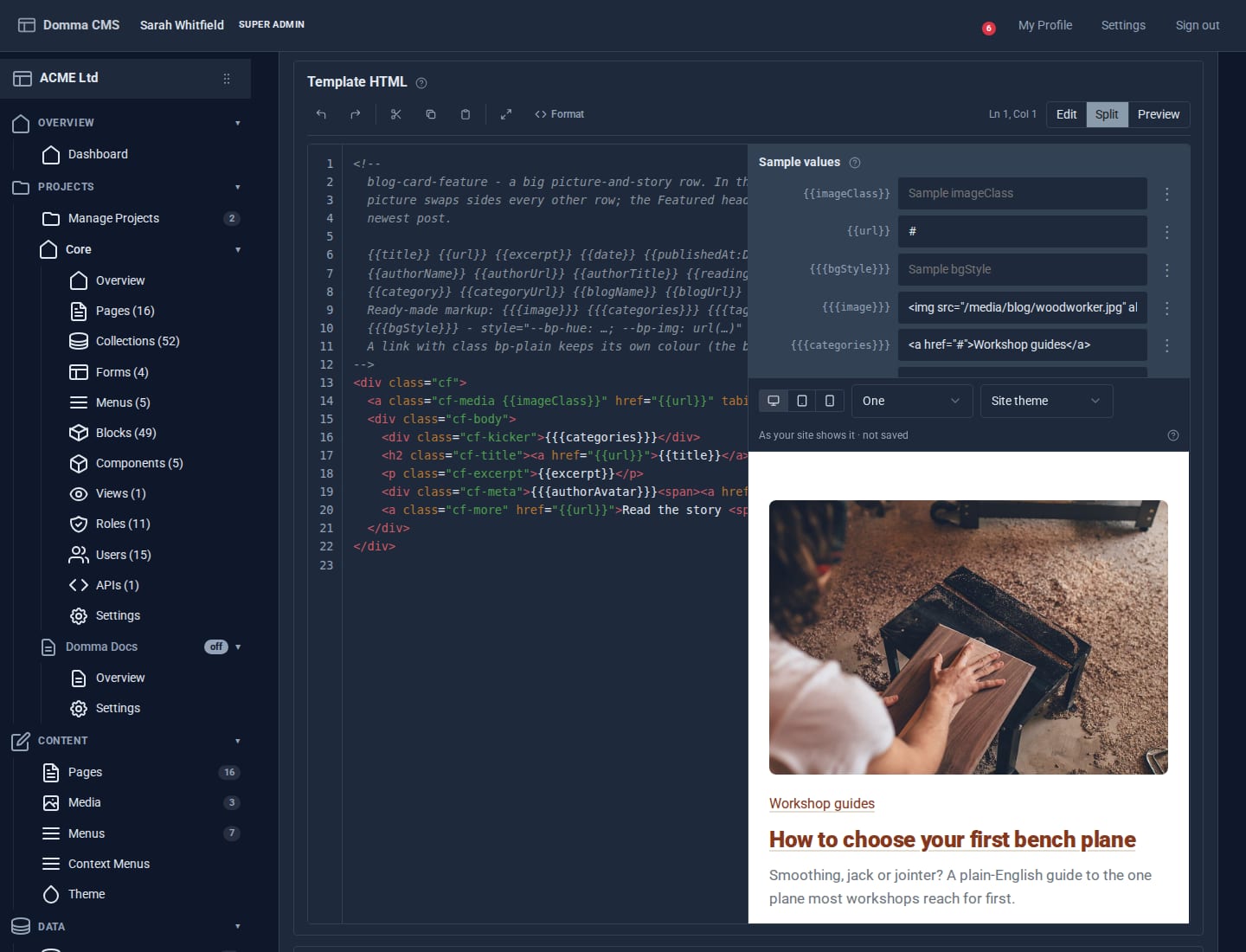
Blocks: your own design for any collection
Write a small piece of HTML once and every entry in a collection is drawn through it. Plus a new Blocks guide, and Writing a Tool.

Releases
Customer accounts, a Sales tab, and Takeaway
The free Shopping Cart gains customer accounts, a Sales tab and room for add-ons - and Takeaway turns it into an online ordering site.
Releases
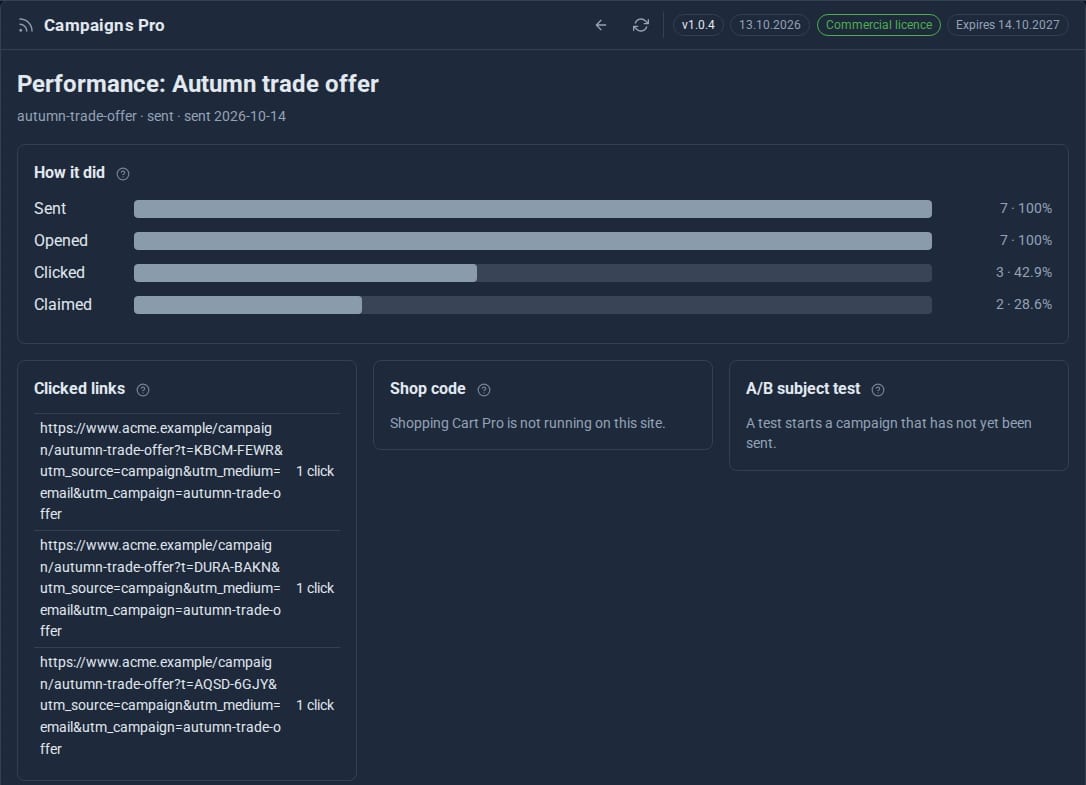
Campaigns Pro, Onboard Pro, Sheets, and quotes in Invoices
Three new Pro Tools - offers people can claim, onboarding journeys and spreadsheets inside your site - and quotes and self-billing in Invoices.

Deep dives
Projects: group your site without moving a thing
A project gathers the pages, collections, forms and people for one job under one name. Nothing moves: every address, file and link stays where it is - the project is a label.

Deep dives
Your pages, anywhere: the Content API
The Content API hands your pages, menus, site settings and search to another app as JSON - exactly what your site would show the same visitor, and only to the callers you choose.
Releases
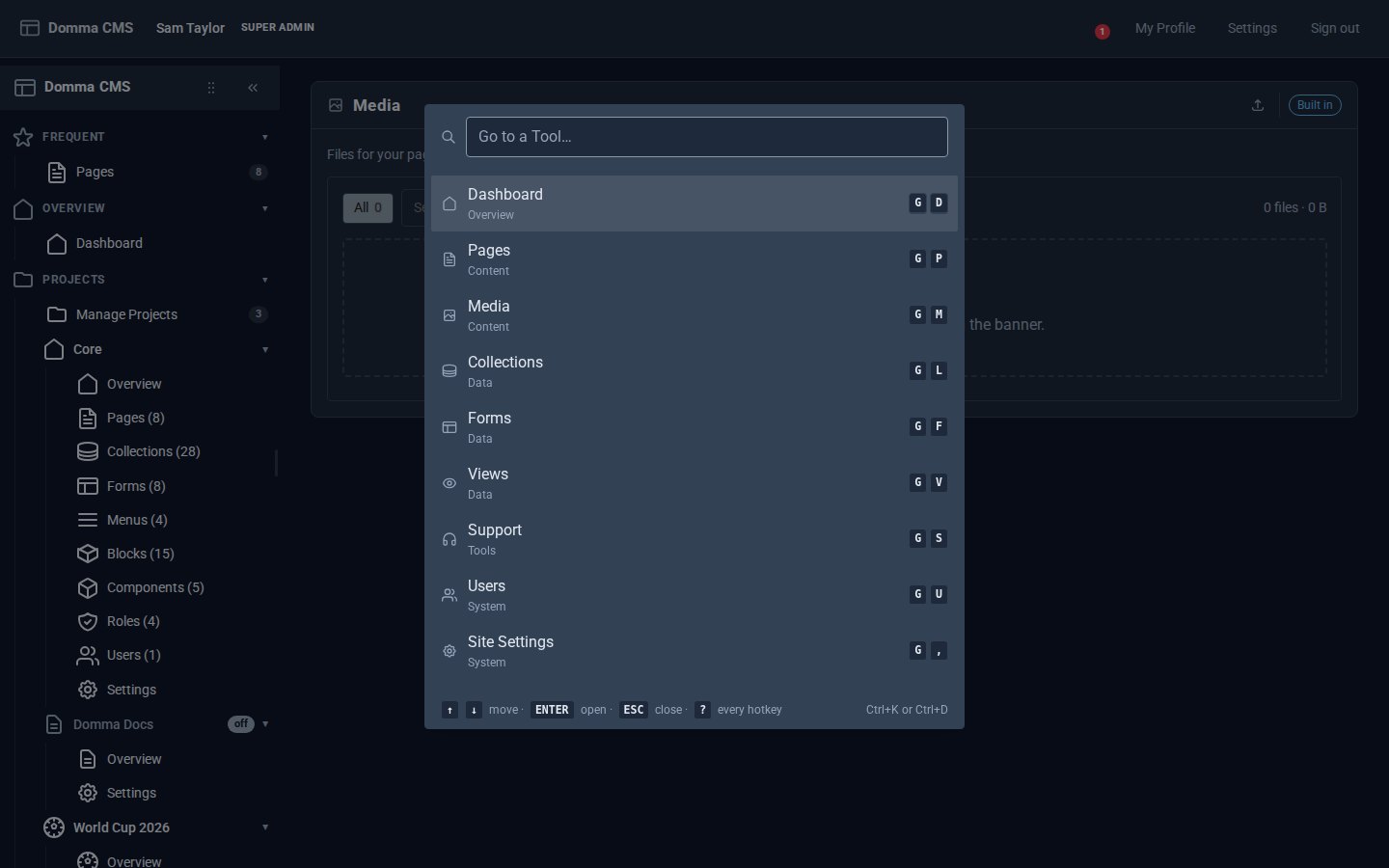
Every Tool, a keystroke away
Domma CMS 1.6: press G then a letter to open any Tool, G then 1-9 for your Frequent ones, Ctrl+K to find anything by name, and ? for the list.
Deep dives
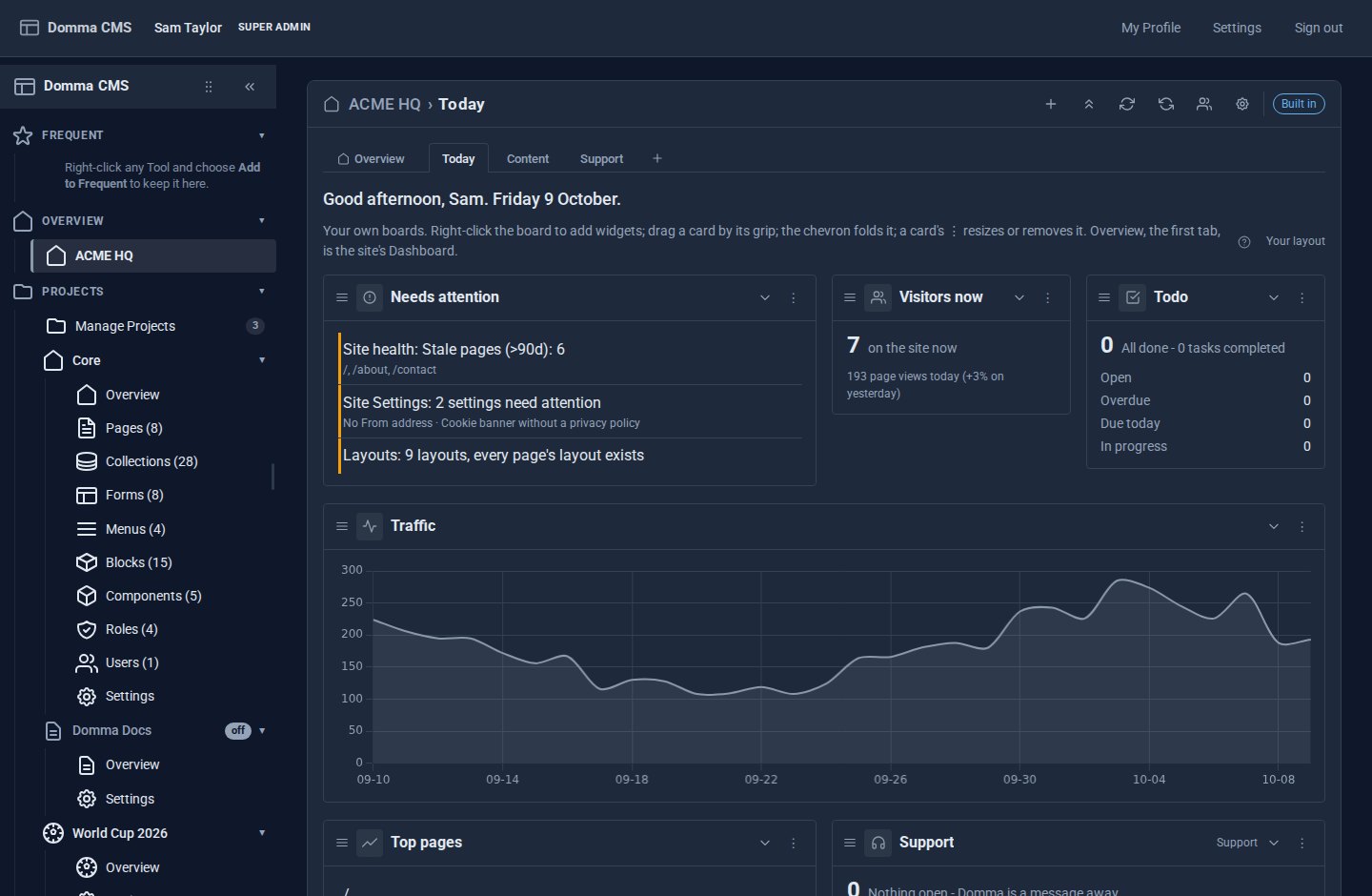
A morning at ACME HQ
A showcase: one morning at ACME Ltd with Dashboard Pro - the Overview first, everyone's own boards after it, and every Tool with widgets in the gallery automatically.
Releases
Your Dashboard, your way
You asked for it: Dashboard Pro turns the admin Dashboard into Dashboards - the Overview first, then boards of widgets each person arranges, from every Tool you use.

Releases
Domma CMS 1.0
Domma CMS is 1.0. Nothing changes when you update - what changes is the promise that your site and your Tools keep working until a new major version says otherwise.

How-to
From a local Domma CMS site to production
A new tutorial takes your Domma CMS site onto a Linux server with PM2, HTTPS, backups and a safe update routine. Here is what changes when you go live.
Releases
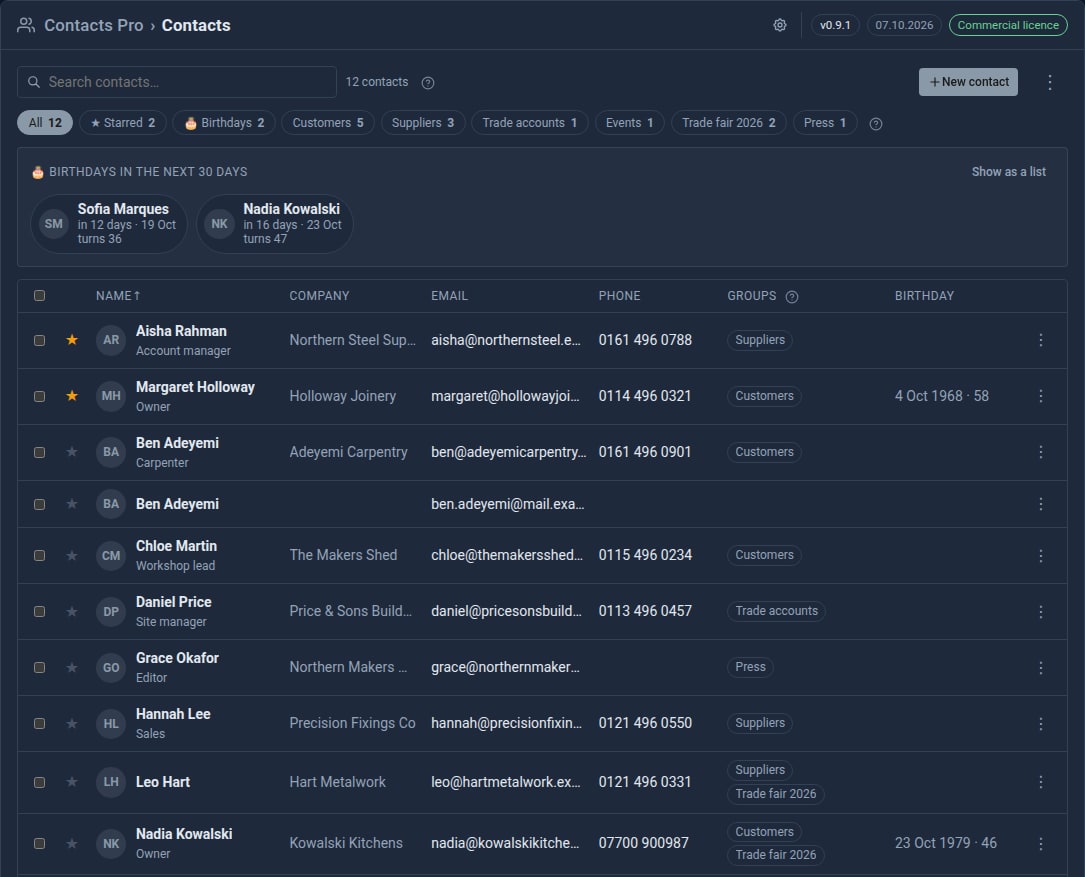
Bring your contacts in from Google
Contacts Pro 0.9 imports your address book from Google, a phone or Outlook - and merges the people you already have instead of doubling them up.
Releases
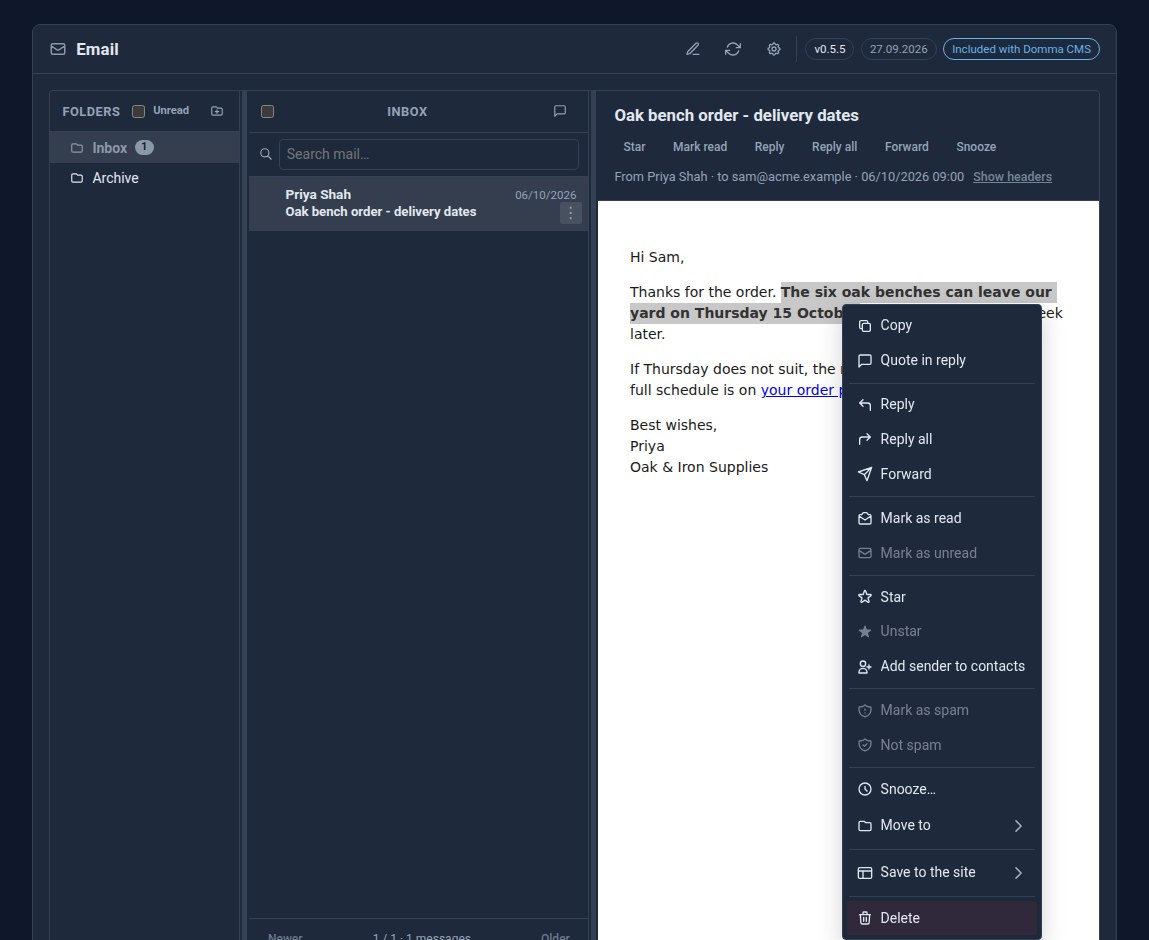
Right-click the email itself
Right-click an open email in Domma CMS for Reply, Reply all, Forward and the message's other actions - or select a sentence and quote just that in your reply.
Deep dives
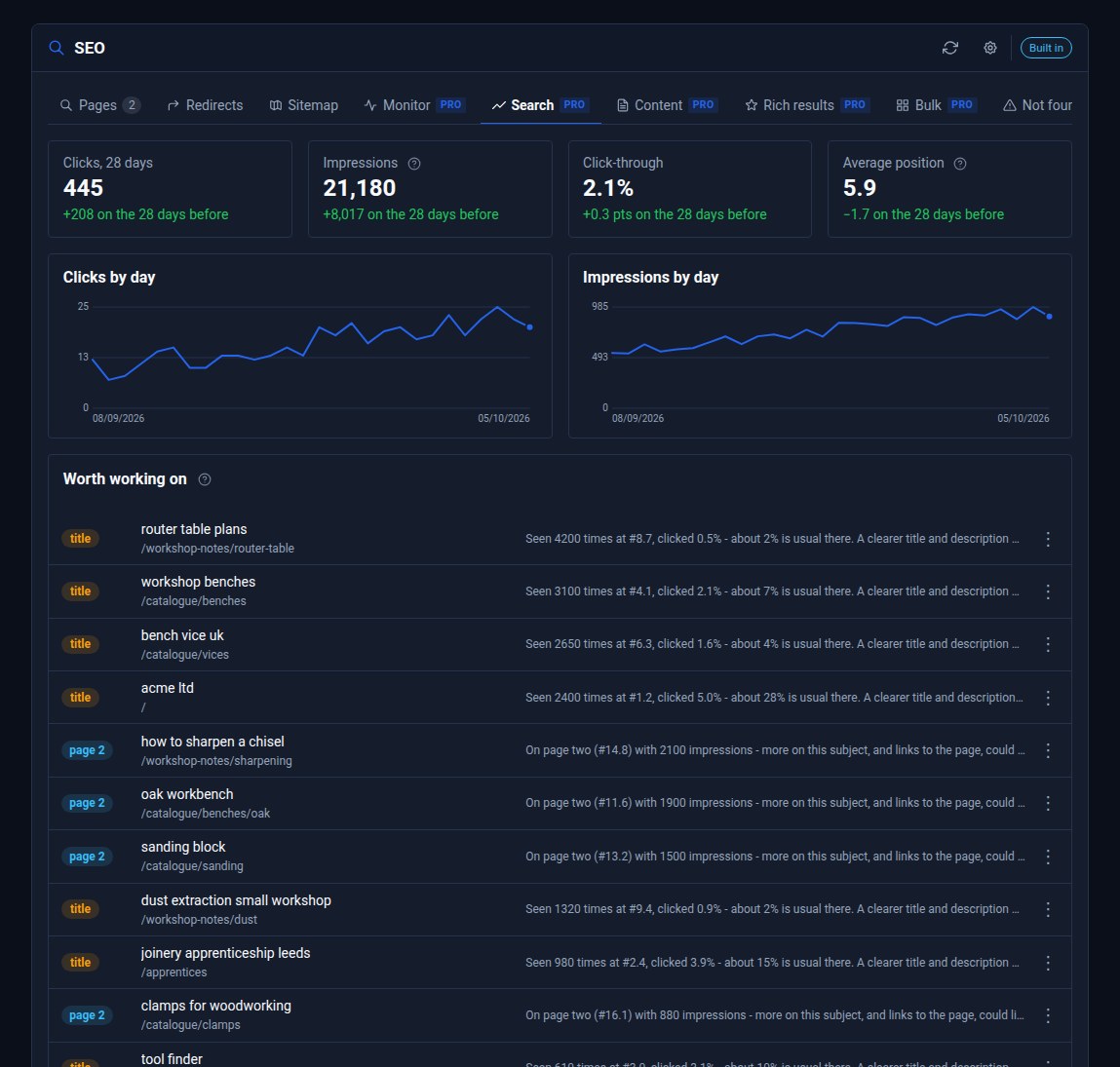
Google Search Console, inside your admin
SEO Pro shows your Google searches, clicks and positions next to the pages they are about - and from 0.6 it sends your sitemap to Google whenever your pages change.

Releases
SEO Pro 0.4 to 0.6: indexing, speed, sitemaps and more
IndexNow and verification codes, page speed over time, seven more rich result types and templates, CSV in Bulk, a weekly SEO email, a Sitemaps tab - and your sitemap sent to Google.

Releases
Domma CMS 0.102 to 0.116: what changed
Video calls on your own site, the free Booking Tool, Calculator and Support, a resizable sidebar, illustrated celebrations and one-step sample content removal - the highlights of a busy week.

Releases
Docs and Docs Pro: your documents, from draft to done
Docs puts a proper document editor in your admin. Docs Pro publishes handbooks with a Kindle-style reader, gets agreements signed, reviews with comments and suggested changes, and starts you off with ready-made templates.

Releases
Domma Reactive 1.3: array helpers in your bindings
Domma Reactive 1.3.0 adds thirteen built-in array helpers to binding expressions, with observable item reads tracked so counts, filters and totals update as the data changes.

Releases
Backup Pro: you always see what Domma did
Scheduled, encrypted backups of every site, restores that are tested in a sealed-off copy - and a record the site owner can read of every backup and every restore, including the ones we started.

Releases
Accordions, safer bindings and Domma Reactive 1.2
A fix for accordions that opened to an empty panel, and a reactive core that now fails safe when a binding is handed the wrong thing. Domma JS 0.50.1, Domma Reactive 1.2.0 and Domma CMS 0.101.5.

Releases
Domma CMS 0.90 to 0.101: what changed
SEO built in, boxes that follow the theme, forms that greet visitors by name, dates in dd/mm/yyyy, loading placeholders and a sidebar you can rearrange - the highlights of a busy run of releases.
Deep dives
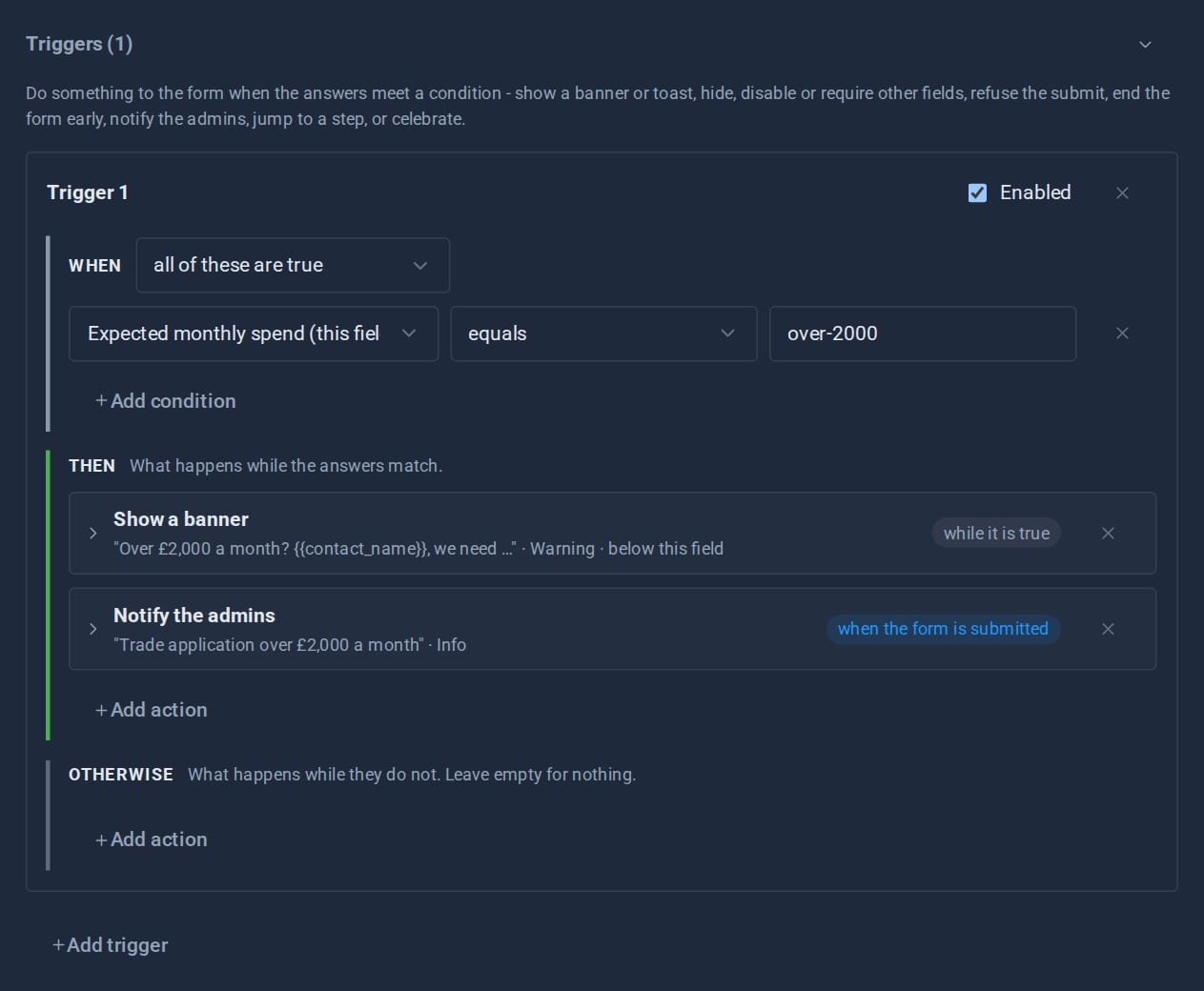
Forms that react: triggers and conditional logic
Show a field only when it matters, warn before a visitor goes further, end a form early, jump a wizard step, tell the admins - all set up in the form editor, and all re-checked on the server.
Releases
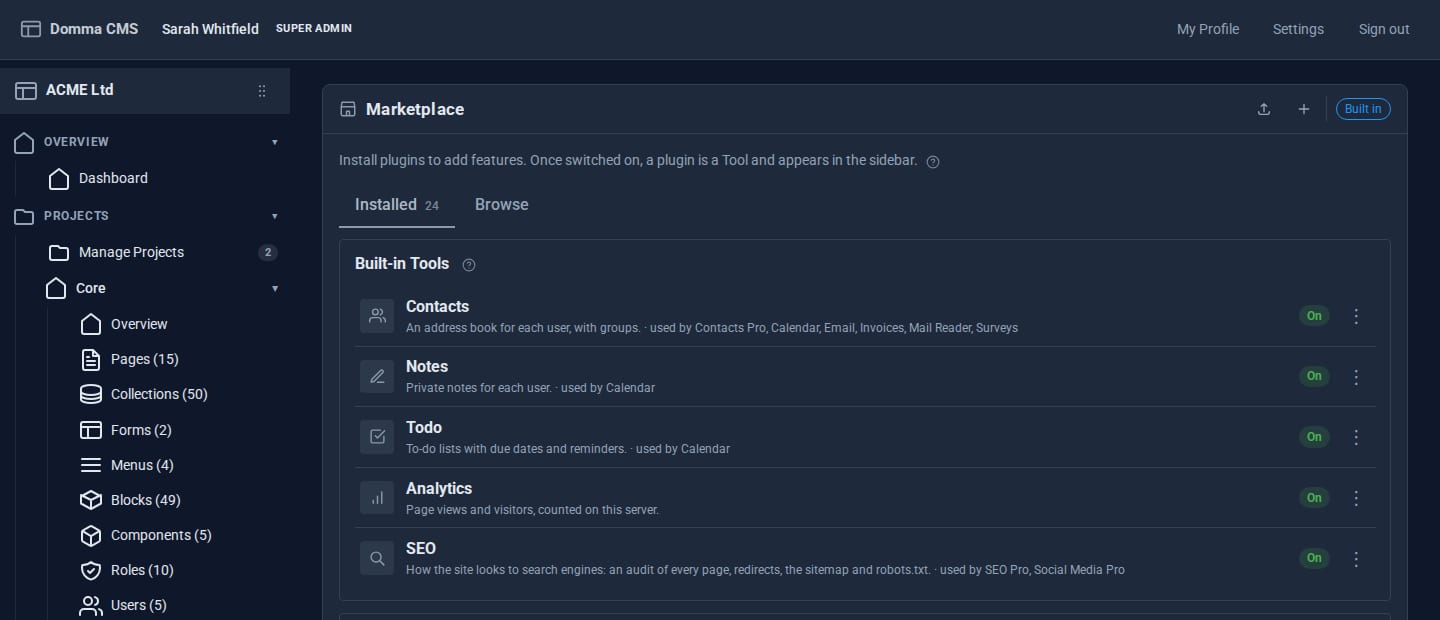
Tools that switch off safely
Since 0.88, the built-in Tools can be switched off - but only through a plan that shows you everything the switch would affect, and never in a way that breaks something else.
Deep dives
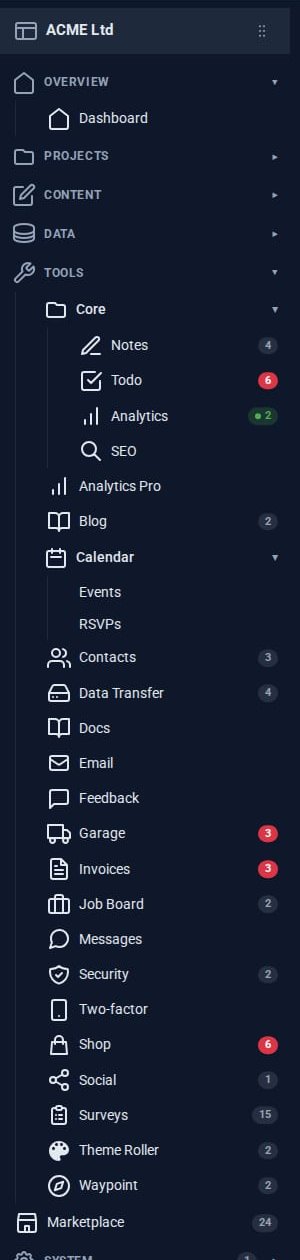
The Pro Suite: your business tools in one admin
A small business usually pays for a mail app, a CRM, an invoicing service, a shop, a project board and a survey tool - and copies data between them. The Pro Tools share one admin instead.

Behind the scenes
Running nine sites on one server
Every hosted Domma CMS site, this one included, runs on one server under the Domma Manager. What that looks like day to day, and what it has taught us.

Deep dives
Theming a site without a designer
Built-in themes, automatic day and night, re-theming one region of a page, and - with Theme Roller - themes of your own. How far you can take a Domma site's look without writing CSS.
Deep dives
Why Domma never uses eval
Knockout-style bindings usually mean compiling strings into code at runtime. Domma Reactive parses them by hand instead, so it runs under a strict Content Security Policy.
Deep dives
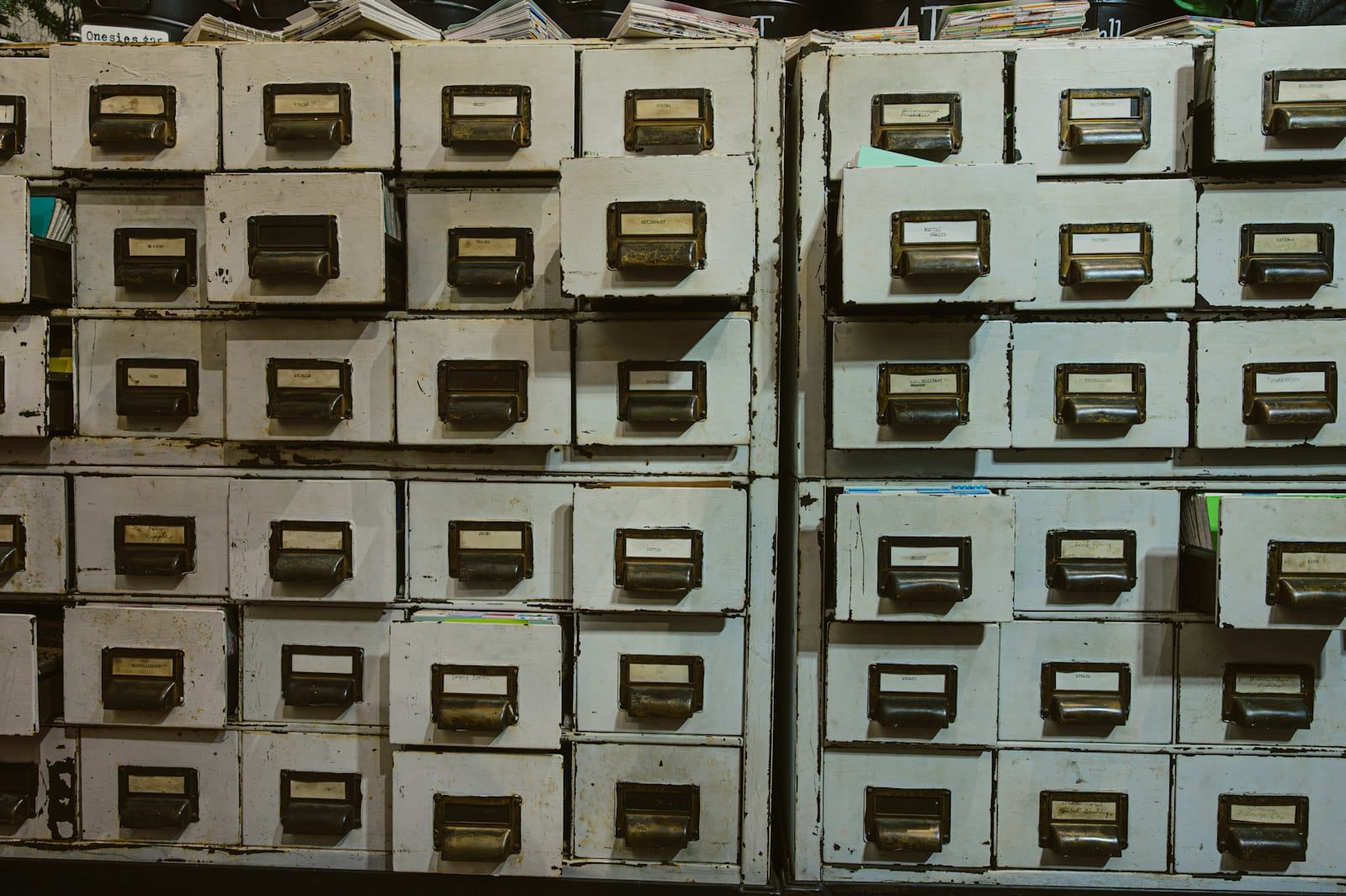
One collection, eight looks
Define your data once, then show it as a table, cards, a list, an accordion, a timeline, a carousel, a list group or your own block template - and let visitors search and filter it.
Deep dives
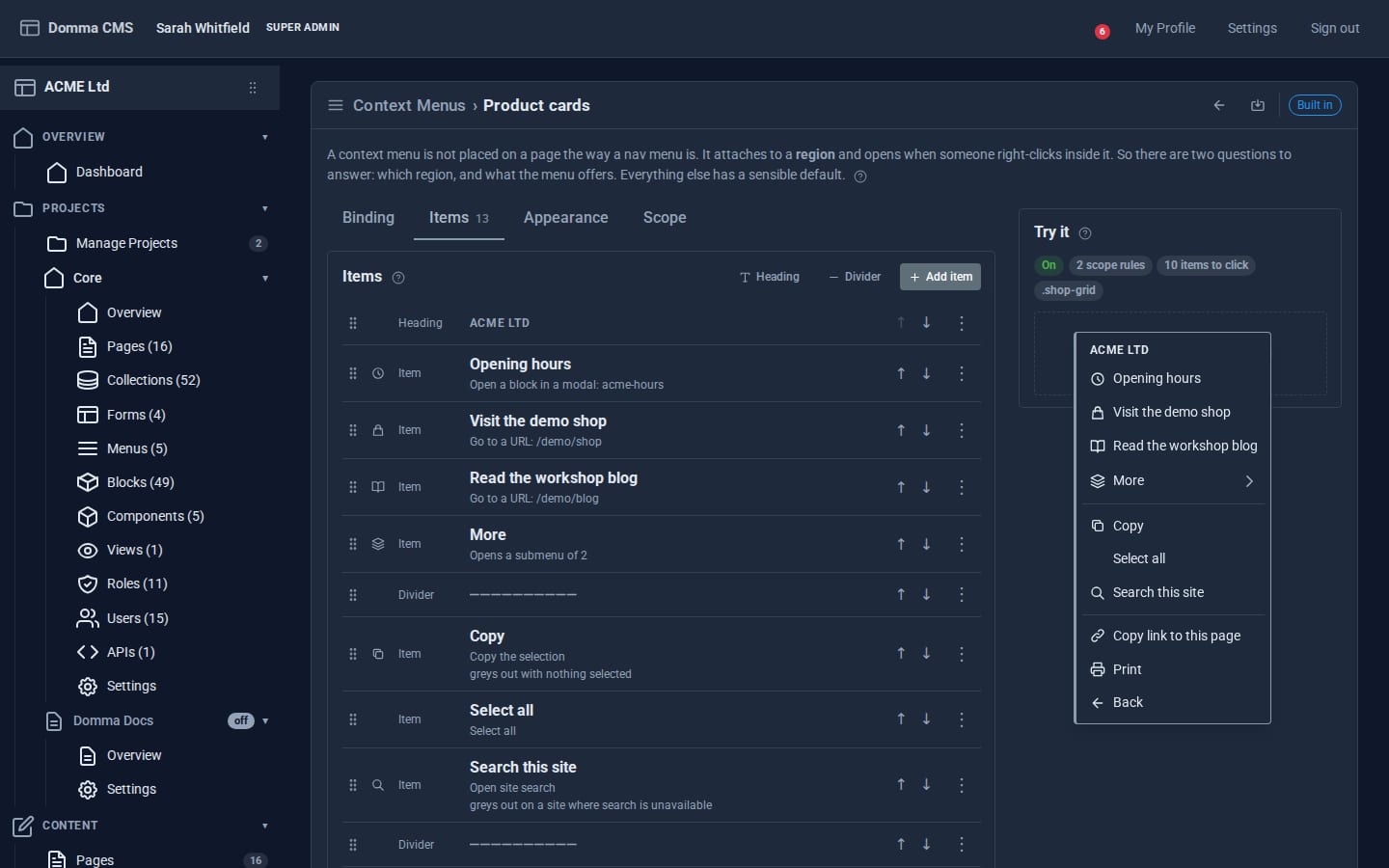
Right-click menus you author yourself
Domma CMS lets you give any region of your public site its own right-click menu - built in the admin, bound by selector, and without a line of JavaScript.

How-to
Your first 15 minutes with Domma CMS
One command, a four-question wizard and a dashboard that tells you what still needs doing. Here is what the first quarter of an hour with Domma CMS looks like.

Releases
Every Pro Tool price, on the Pricing page
The Pricing page now lists every Pro Tool and its monthly price, read live from the page you buy on.

Releases
Cards and Cards Pro are now one Tool
Cards and Cards Pro are now one Tool, Cards Pro, with card credits built in and switched on when you want them.

Releases
Sign in with Microsoft or Google, and unsubscribe links everywhere
Email Pro mailboxes can sign in with Microsoft 365, Outlook.com or Gmail; survey and onboarding emails carry unsubscribe links; and a round of fixes.
Releases
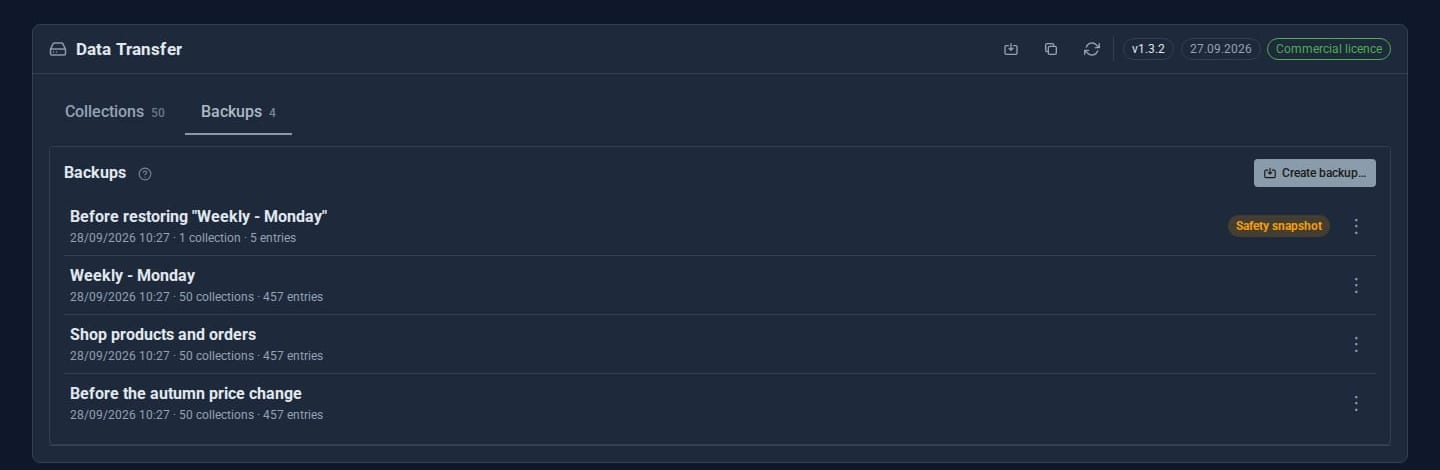
Part refunds, take-away backups and more
Part refunds, credit notes, downloadable and scheduled backups, attachments on feedback and support, RSVP confirmations, signing reminders and faster Tools across the board.
Releases
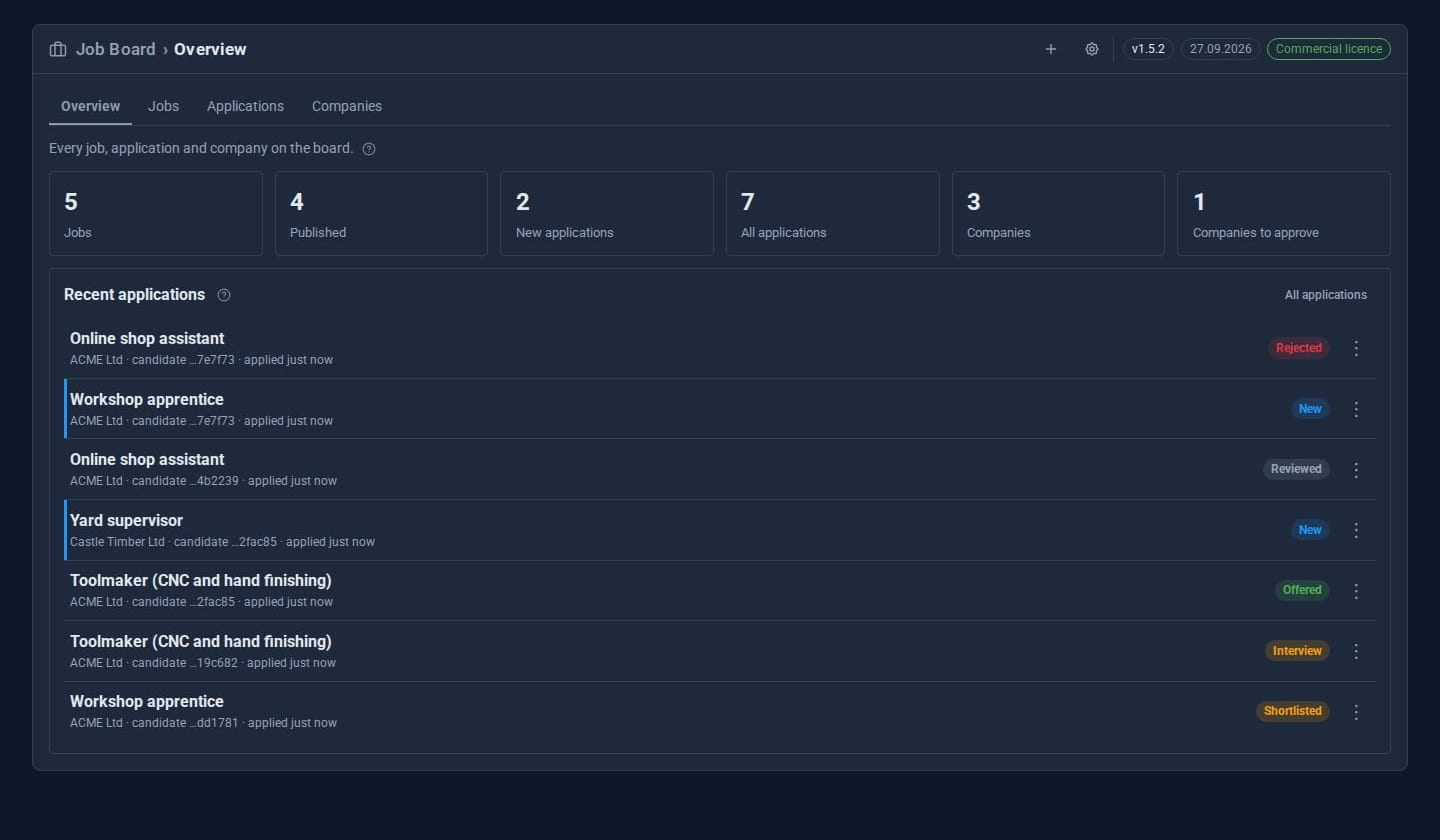
Job Board 2.0, and a security sweep across every Tool
Job Board 2.0 brings companies, agents and candidates together with credits, IR35 on every contract, interviews, messages, notes, reviews and testimonials. The same release hardens every Tool after a full security sweep.
No posts here yet.